
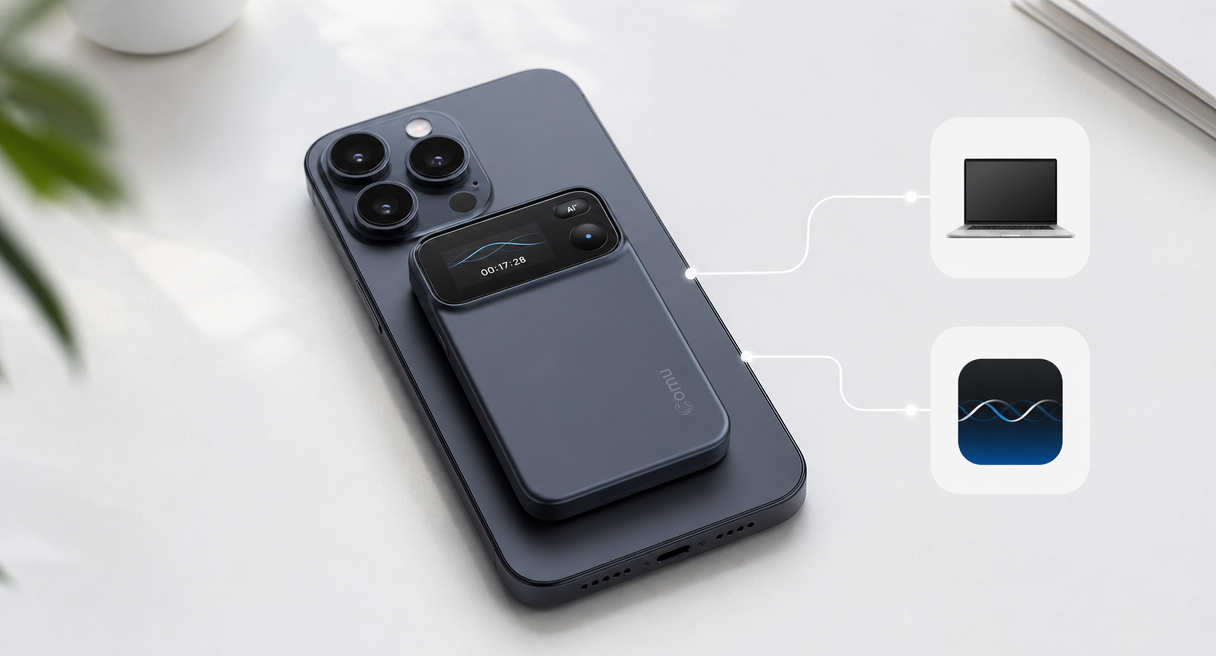
The best Plaud alternative is not necessarily another card-shaped recorder. Depending on where and how you work, a standalone meeting recorder, a phone-attached device, or a software-only tool may be the better fit.
This guide compares those three routes by room coverage, portability, battery dependence, transcription allowances, ongoing cost, and the work each option can produce after a meeting.
Quick Comparison
Choose standalone hardware for frequent in-person meetings, a phone-attached recorder for minimum carry, and software-only tools when most conversations already happen on a phone or meeting platform.
| Route | Best suited to | Main strength | Main trade-off |
|---|---|---|---|
| Standalone AI recorder | Conference rooms, interviews, lectures, field visits, and long recording days | Dedicated microphones, independent battery, and consistent placement | One more device to carry and charge |
| Phone-attached recorder | Calls and mobile recording where compactness matters most | Thin form factor that stays with the phone | Pickup and handling depend on phone placement and attachment |
| Phone or software-only tool | Occasional recording and online meetings | No additional hardware | Microphone, notifications, battery, platform, and plan limits remain tied to the host device |
The Three Plaud Alternative Routes
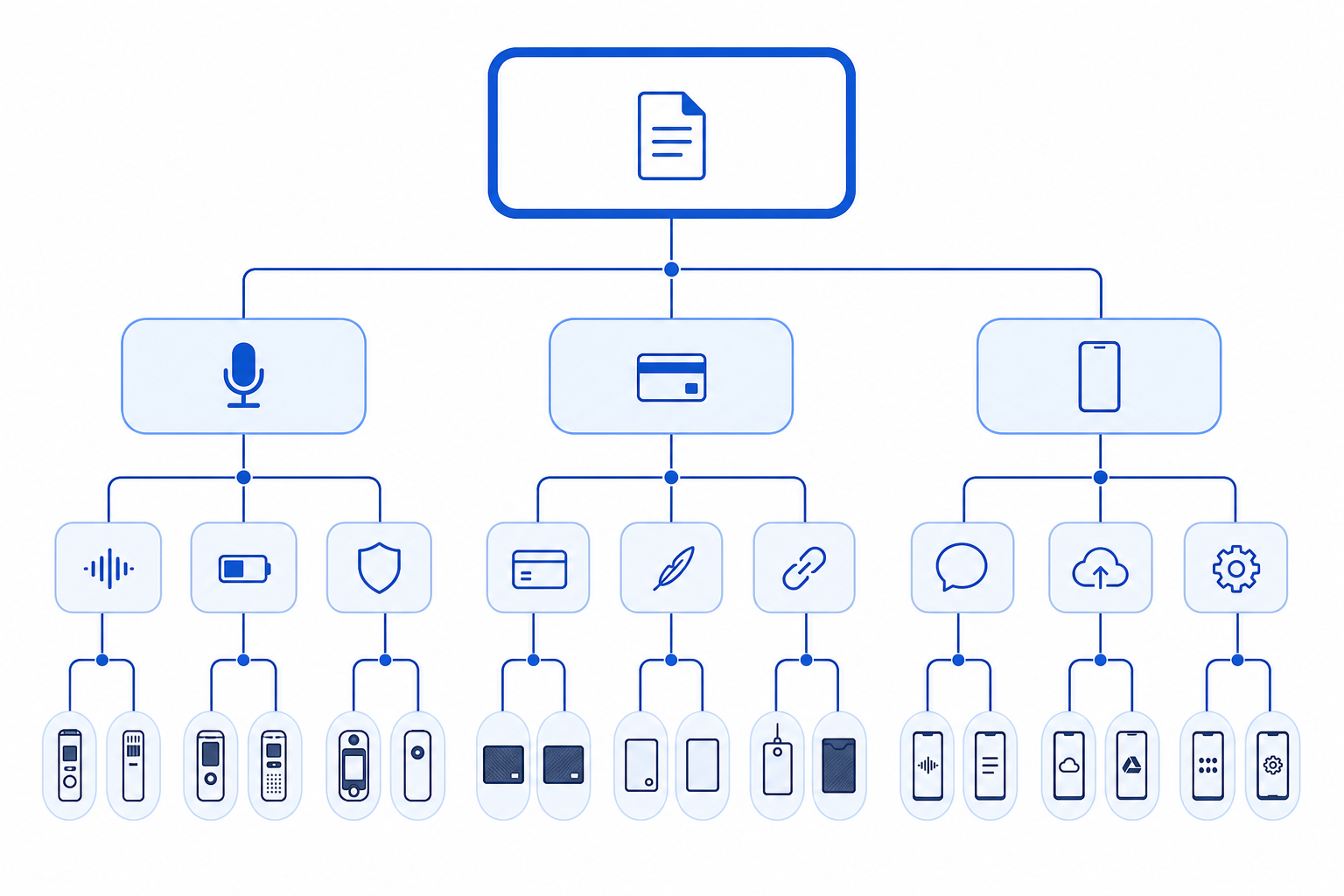
1. Standalone AI recorders
A standalone recorder is designed around the conversation rather than the phone. It can sit near the center of a table while participants use their phones and laptops for other work.
This route is most useful when several people speak from different distances, sessions run for hours, or important conversations happen away from Zoom, Teams, and Google Meet.
Comu Action Pro represents this category. Its published specifications include:
- a six-microphone adaptive array;
- AI voice enhancement and noise reduction;
- pickup up to 7 meters;
- up to 70 hours of recording per charge;
- transcription and translation across 113 languages;
- direct USB-C charging and a built-in magnetic design;
- unlimited real-time transcription and basic summaries on Starter.
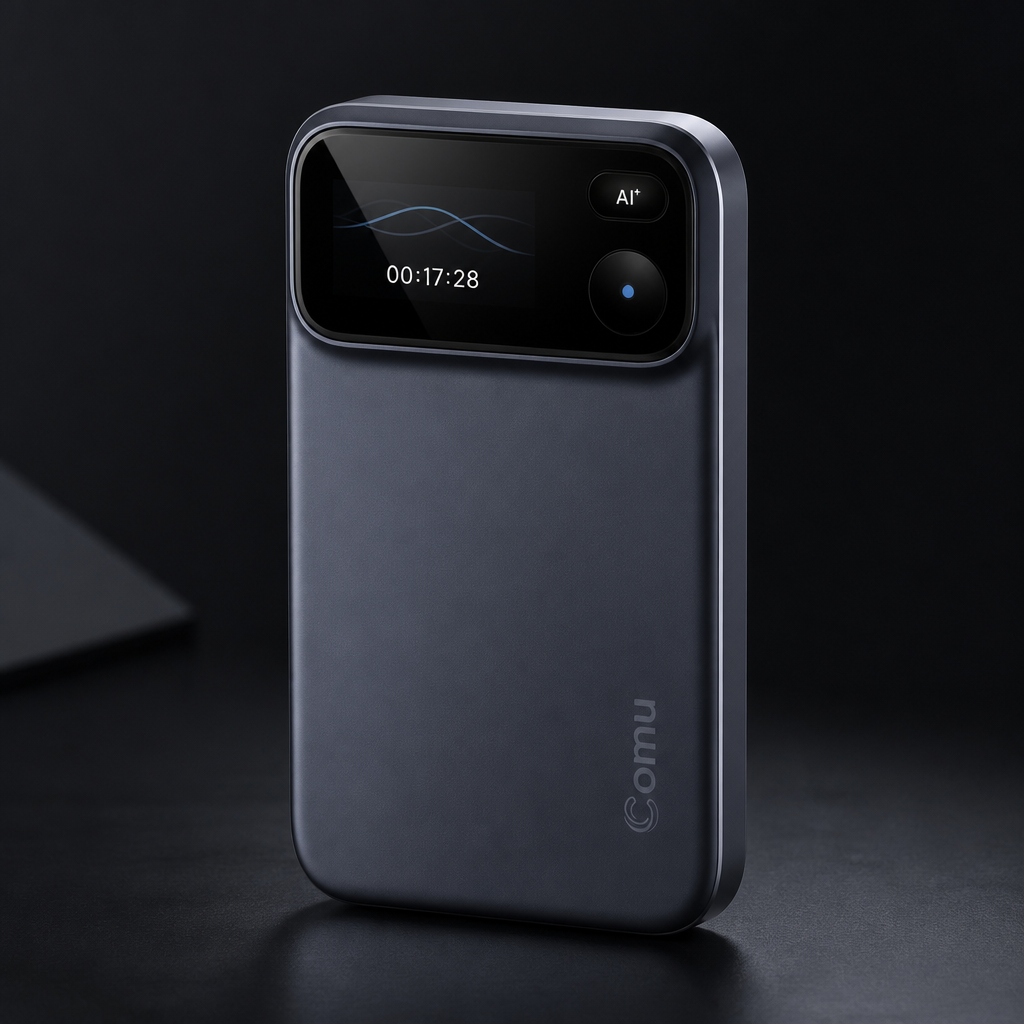
The main trade-off is physical: it is a separate device. For people who record frequently, that separation can be an advantage because meeting capture no longer competes with phone calls, notifications, laptop power, or conferencing software.
2. Phone-attached recorders
Card-style recorders attach magnetically to a phone or travel beside it. Plaud Note, Plaud Note Pro, Comulytic Note Pro, Pocket, and similar products belong broadly to this route.
Their strongest advantage is portability. The recorder is thin, familiar, and easy to keep with the phone. This makes the category attractive for mobile professionals and frequent phone calls.
The trade-off is placement. A recorder attached to a phone may remain close to one participant instead of the center of the conversation. Cases, magnetic alignment, handling, and where the phone is placed can also affect the recording workflow.
Choose this route when compact carry matters more than maximum room coverage.
3. Phone-native and software-only tools
This route includes built-in phone recording and transcription, as well as services such as Otter, Fireflies, and Fathom. It requires no additional recorder and can work very well for scheduled online meetings.
Software tools are strongest when they can join the meeting platform directly, connect to calendars, search a shared meeting library, and send information to CRM or collaboration systems.
For physical rooms, results depend on the phone or computer microphone, speaker distance, battery, notifications, and device placement. Plan limits may also affect transcription minutes, imports, storage, exports, or AI summaries.
Choose this route when most meetings already happen online or recording is occasional.
Plaud, Comu, or Software: What Changes?
| Comparison | Plaud-style phone companion | Comu Action Pro | Software-only route |
|---|---|---|---|
| Product form | Thin recorder designed to stay with a phone | Standalone pocket recorder | App, meeting bot, desktop software, or cloud service |
| Best environment | Mobile calls and close-range conversations | Physical rooms, multi-speaker meetings, lectures, interviews | Online meetings and occasional phone recording |
| Capture depends on phone | Often for placement or call workflow | No | Yes, unless a meeting bot captures platform audio |
| Dedicated room microphones | Product-dependent | Six-microphone adaptive array | Depends on the host phone or computer |
| Battery model | Separate recorder battery | Up to 70 recording hours | Uses the phone or computer battery |
| Transcription allowance | Plaud Starter currently includes 300 minutes per month | Unlimited real-time transcription on Starter | Varies by provider and plan |
| Follow-up workflow | Transcripts, summaries, templates, and AI tools by plan | Summaries plus optional emails, documents, presentations, and agent workflows | Search, summaries, actions, integrations, and analytics vary by platform |
This is why a specification-only comparison can be misleading. The physical format determines where the recorder sits, which battery it uses, and what can interrupt the recording before AI processing begins.
Subscription and Cost Structure
The purchase price is only one part of the cost. Also compare transcription allowances, advanced AI access, storage, exports, and the time required to maintain the workflow.
| Cost question | Plaud | Comu Action Pro | Software-only tools |
|---|---|---|---|
| Hardware purchase | Required for Plaud recorders | Required | Usually none |
| Free transcription | Starter currently includes 300 minutes per month | Starter includes unlimited real-time transcription | Varies widely |
| Paid upgrade | Pro and Unlimited expand minutes and AI functions | Premium and Elite expand advanced AI workflows and capacity | Usually increases minutes, storage, exports, analytics, or integrations |
| Main cost trigger | Recording beyond the free monthly allowance | Need for deeper analysis or more agent workflows | Team size, meeting volume, storage, and integrations |
Plaud's current public plan information lists 300 monthly transcription minutes on Starter, 1,200 on Pro, and unlimited transcription on its Unlimited plan. Comu Starter includes unlimited real-time transcription and basic summaries; Premium and Elite are optional for expanded translation, deeper analysis, automatic organization, and higher Agent Credit allowances.
Check current regional prices and plan details on each provider's official page before purchasing.
Choose by Your Main Bottleneck
| Your main problem | Best route to evaluate first |
|---|---|
| Monthly transcription minutes run out | Comu Action Pro with Starter, or a suitable unlimited software plan |
| People sit far apart in physical rooms | Standalone multi-microphone recorder |
| You want the thinnest possible device | Phone-attached card recorder |
| You do not want to buy hardware | Phone-native or software-only tool |
| Most meetings happen in Zoom, Teams, or Google Meet | Online meeting assistant |
| You record all day at conferences or in the field | Standalone recorder with long battery life |
| You need CRM integrations and team analytics | Software meeting platform |
| You want conversations turned into emails or documents | Compare advanced AI workflows and included credits, not transcription alone |
How to Test a Plaud Alternative
Run one representative meeting before committing to a new workflow. A useful test should include the conditions you actually face—not a quiet voice memo recorded beside the microphone.
- Place the device where it would normally sit.
- Include several speakers at different distances.
- Use real names, figures, technical terms, and deadlines.
- Add moderate background noise or natural interruptions.
- Review the transcript against synchronized playback.
- Check whether decisions and action items were separated correctly.
- Measure how much editing is required before the result can be shared.
A product that saves money but adds twenty minutes of correction after every meeting may not be the lower-cost option.
Frequently Asked Questions
What is the closest alternative to Plaud Note?
Another phone-attached card recorder is the closest physical substitute. If your reason for switching is room coverage or transcription allowance, a standalone recorder may solve the underlying problem more directly.
Which Plaud alternative does not require a paid subscription?
Comu Action Pro includes unlimited real-time transcription and basic summaries through Starter after the hardware purchase. Plaud also has a free Starter plan, currently with 300 transcription minutes per month.
Can a phone replace a dedicated AI recorder?
Yes, when meetings are short, close-range, and occasional. Dedicated hardware becomes more useful when sessions are long, several speakers sit at different distances, or the phone must remain available for other work.
Which route is best for online meetings?
Software meeting assistants are usually the most convenient for scheduled video calls because they can connect directly to the meeting platform, calendar, and team workspace.
Which route is best for in-person meetings?
We recommend evaluating a standalone multi-microphone recorder first, particularly for conference rooms, interviews, lectures, and client visits.
Our Recommendation
Plaud remains a strong choice for people who want a thin recorder that stays close to the phone. Software-only tools remain the natural fit for online-first teams.
For frequent in-person conversations, we recommend Comu Action Pro. Its dedicated six-microphone capture, up to 7-meter pickup, long recording endurance, unlimited basic transcription on Starter, and optional conversation-to-document workflows address the situations where a phone-attached recorder or meeting bot is less convenient.
Continue with the guide that matches your decision:
- Best Plaud alternative: Comu vs Plaud
- Plaud alternative without a subscription
- Plaud Note alternatives compared
- Six Plaud alternatives in one table
- Best AI note-taking devices by use case
- Otter AI alternatives
- Fireflies alternatives
- Fathom alternatives
Explore Comu Action Pro and compare the current product specifications and plans with your normal meeting schedule.
