
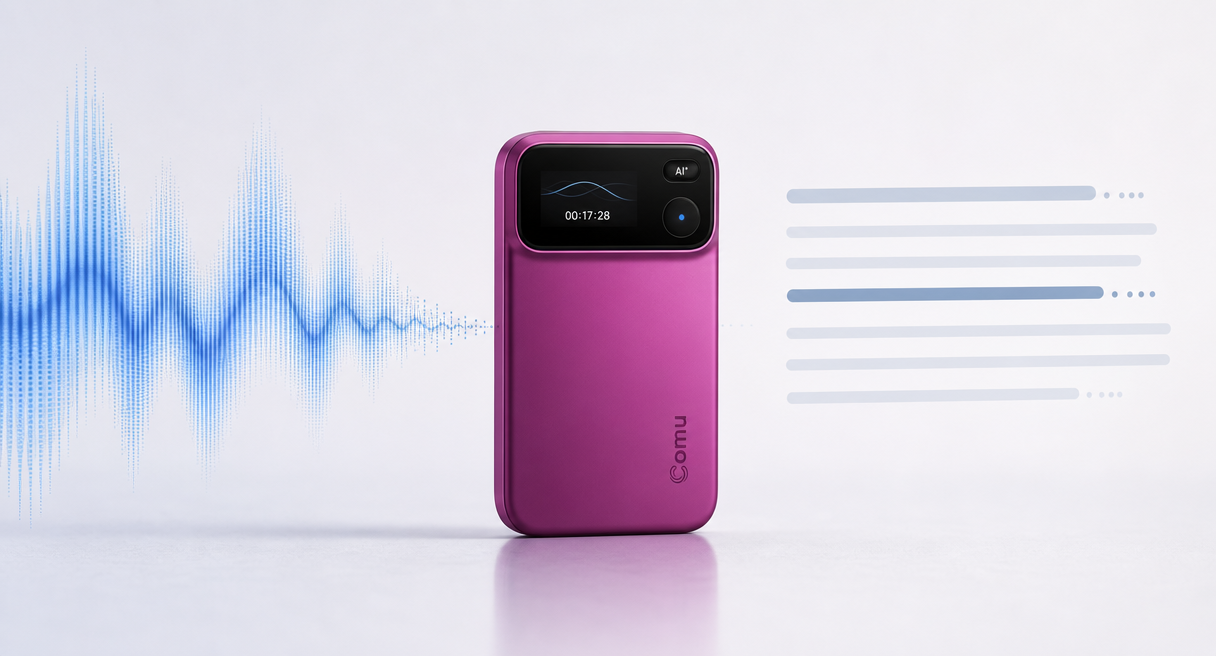
The number arrived over the phone, the call ended, and the figure left with it. Anyone who records client calls from open offices or café corners knows the follow-up email written from memory is really a guess with a signature line.
A speech to text recorder is worth buying when it converts conversations into searchable text instantly and keeps the workflow going afterward. Turning audio to text is the visible half of the job, and it is the half where most tools quietly stop.
This guide splits the purchase the way the technology splits, cloud engines on one side and purpose-built voice recorders on the other, then runs both against the scenarios that break them, phone calls, loud rooms, and long meetings. Transcription accuracy is where the comparison starts. Meeting notes you can actually send are where it should end.
Two Routes to Speech-to-Text: Cloud Engines vs Purpose-Built Recorders
Two different products answer the same wish. Cloud engines sell the dictation layer and document its limits honestly, some purpose-built AI recorders combine dedicated audio capture with transcription and post-meeting workflows, while traditional recorders may stop at the audio file, and knowing which layer you are buying prevents the most common disappointing purchase.
The engineering side is harder than the demo suggests. A Google Cloud blog lists the open challenges of transcription at scale, including "handling complex audio with multiple speakers, accents, or background noise" and "maintaining accuracy in industry-specific terminology," and notes that Gemini-based transcription can "accurately identify and differentiate between speakers."
The open-source side has the same shape. A Microsoft developer blog records Whisper as an "advanced automatic speech recognition (ASR) system, developed using 680,000 hours of supervised multilingual and multitask data," strong on prerecorded audio and built for files rather than live sessions.
So the routes divide naturally. Engines handle the listening, while a purpose-built recorder owns everything around it, capturing the right audio cleanly in the first place and turning the transcript into something you can send. They are complements, and a buyer who expects one to do the other's job pays for the surprise.
What a Speech-to-Text Recorder Must Prove
A speech-to-text recorder must perform well at two stages: capturing clear audio and converting that audio into usable text. Test both stages with names, numbers, speaker changes, background noise, and playback alignment.
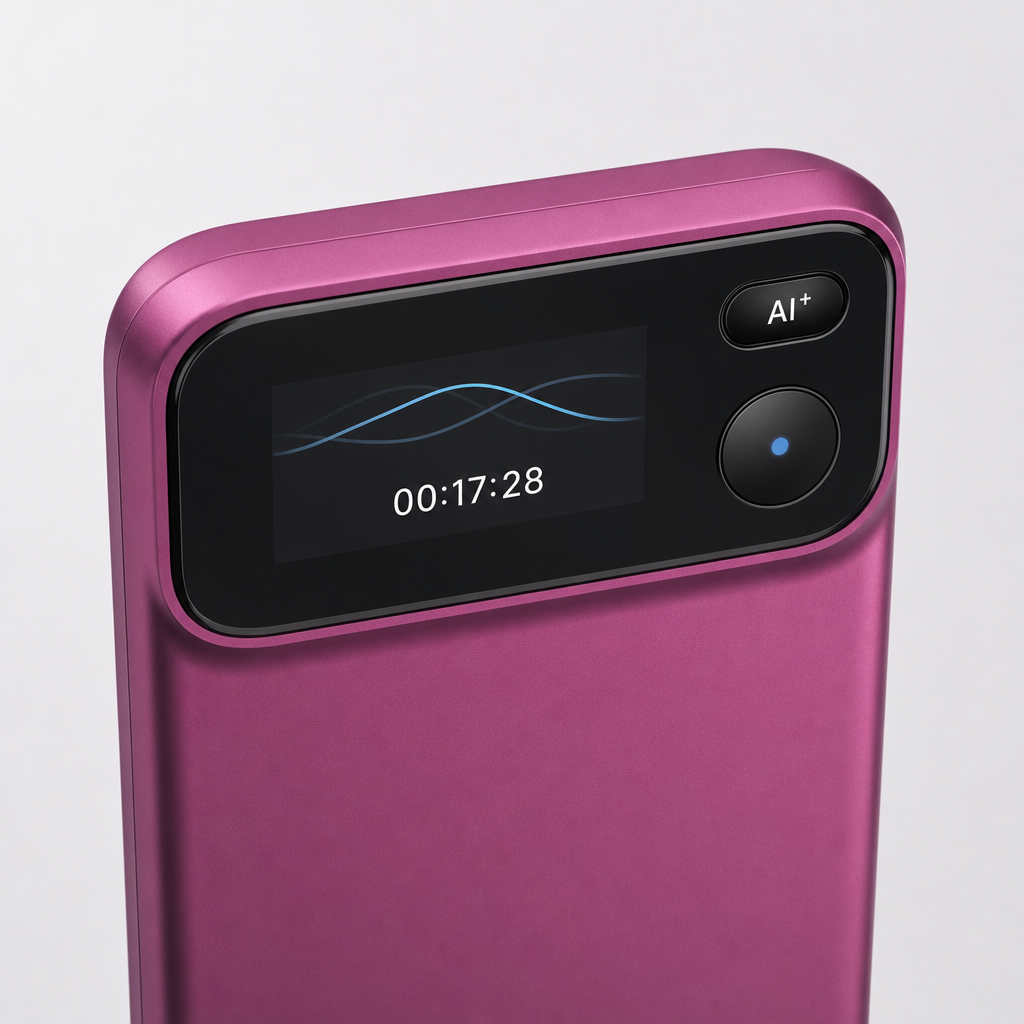
Choosing a speech-to-text recorder requires checking two stages: audio capture and transcript quality. Test proper names, technical terms, numbers, dates, speaker separation, playback alignment, accents, and mixed-language speech with a representative recording.
The capture layer is where the hardware earns its price. The Action Pro offers "support for 113 languages," and with an internet connection and the Comu app or web service, speech can be transcribed in real time, while synchronized highlighting helps users follow the transcript during playback, and translation into a chosen language is viewable afterward. The microphone side is a six-microphone adaptive array with AI noise reduction aimed at "busy offices, cafés, airports," plus up to 70 hours of continuous recording for long days.
The phone comparison deserves the official chain, not folklore. Phone recordings sit behind incoming calls and notifications, built-in microphones "often prioritize whichever voice is closest," and Comu positions dedicated hardware as a way to reduce those distractions and provide more consistent voice capture. The maker's boundary line stands, "it's not designed to replace your phone." Across the category, spec sheets leave separation and accuracy numbers unpublished, and an honest comparison marks that gap instead of filling it.
Beyond Transcription: The Workflow That Follows
The second layer is what happens after the text exists, and it separates recorders from dictation tools. Officially the journey runs capture better, understand better, deliver better, and the deliverables include drafts you edit rather than documents you trust blindly.
Comu describes the journey in three official steps, capture better, understand better, deliver better, and the reviewer guide walks the same road as record, understand, act, refine. What lands on your side includes presentation drafts, follow-up emails carrying recipients, subject, summary, decisions, action items, and deadlines, plus action lists, five-element summaries, pre-meeting briefs, and CRM notes.
The boundary comes with the output. "AI-generated results are intended to assist users and may require user review and adjustment before final use," which makes these deliverables strong first drafts rather than finished work. An engine hands you text. A workflow hands you a draft of the email you were about to write anyway, and that difference is the entire second layer.
FAQ: Accents, Export Formats, and History
Three edge questions decide most regrets in this category. Accents have an official acceptance test rather than a promise, export formats and subscription boundaries sit with the live official pages, and each answer below names where the check belongs instead of guessing past it.
Will a strong accent break the transcription?
Accents and mixed languages appear inside the official review checklist itself, so treat them as an acceptance item rather than a guarantee. Record a real accented conversation, play it back against the highlighted transcript, and check the proper nouns and numbers before you judge any device.
What export options should I check?
Check whether the current app supports the formats and destinations your workflow requires, such as editable documents, plain text, PDF, presentation drafts, email drafts, or CRM fields. Available exports and integrations may vary by platform and software version.
Does my transcription history survive if I stop subscribing?
Retention terms live with the current official subscription terms, which is where to verify them before you rely on the history. Downloading the transcripts that matter is cheap insurance under any policy, and it keeps your records in your hands.
Match the Recorder to Your Real Scenarios
No recorder is best for every setting. Use the table below to match phone calls, noisy rooms, multilingual meetings, and long sessions with the specifications and tests that matter most.

Compare speech to text recorder options against your real settings, phone calls, loud rooms, long meetings, What to test pricing and free-tier limits.
| Your real setting | Weight first | What to test |
|---|---|---|
| Phone-heavy weeks | Dedicated call capture and reduced phone-related interruptions | A real call transcript end to end |
| Loud offline rooms | Mic array and noise reduction | Numbers and dates under noise |
| Multilingual meetings | Language coverage, 113 on the Action Pro | Mixed-language playback alignment |
| Long trips | Endurance, 70 hours on the Action Pro | One-handed operation and recharge rhythm |
On cost, the hardware is a one-time purchase with the current local price on the official store and authorized channel listings, since pricing varies by market, promotion, and sales channel. The software layer runs three plans, the free Starter plan with unlimited real-time AI transcription and basic summaries, and the optional Premium and Elite upgrades with higher Agent Credit allowances, joined inside the Comu app, where today's terms and current prices display.
Run your noisiest real scenario against the checklist above, then compare hardware and workflow details on the product page. The right speech to text recorder is the one that survives your loudest workday and hands you notes worth sending at the end of it.
