
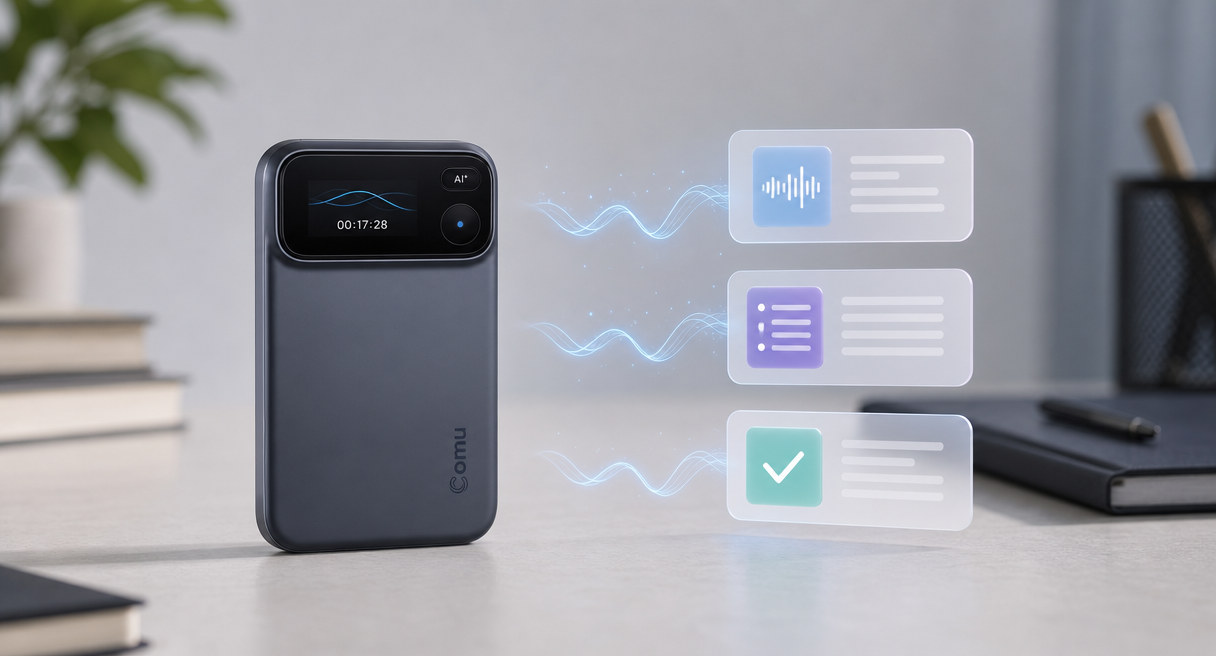
The number came over the phone, the call ended, and the figure went with it. Anyone who takes client calls from cafés or open offices knows the pattern, because a meeting summary written from memory is really a summary of whatever you happened to catch.
A recorder with AI summary is worth choosing when it turns messy recordings into structured notes, action items, and decisions without hours of cleanup.
The buying question splits in two. How clean is the audio that reaches the AI, since noise reduction and transcription accuracy rise and fall together, and how structured is the output, meaning whether action items, decisions, and follow-ups arrive separated or buried in a wall of text. This guide works those checks through the scenarios where recorders fail.
What a Recorder with AI Summary Must Get Right
No single device wins every scenario, so this guide scores nothing and dispatches instead. Phone calls, noisy rooms, and long trips each reward different strengths, and the two checks underneath them never change, clean capture first, structured summary second. The order is the whole trick.

A summary is only as good as the audio underneath it. Comu's hardware stance on this is explicit, a six-microphone adaptive array built to lift voice capture in multi-speaker and complex settings, AI noise reduction that cuts environmental sound so the model hears fewer distractions, and a design brief that names "busy offices, cafés, airports, and other challenging environments" as the working conditions.
Whether your week is mostly phone calls, mostly loud rooms, or mostly long travel changes which specs to weight first, and the sections below hand each scenario its own criteria.
Judging Summary Quality: Five Elements and a Review Checklist
A summary earns trust by what it separates, not by how much it produces. This section turns the official five-element structure into a review checklist, adds the failure mode reviewers watch for, and states plainly which parts of an AI draft are starting points rather than finished work.
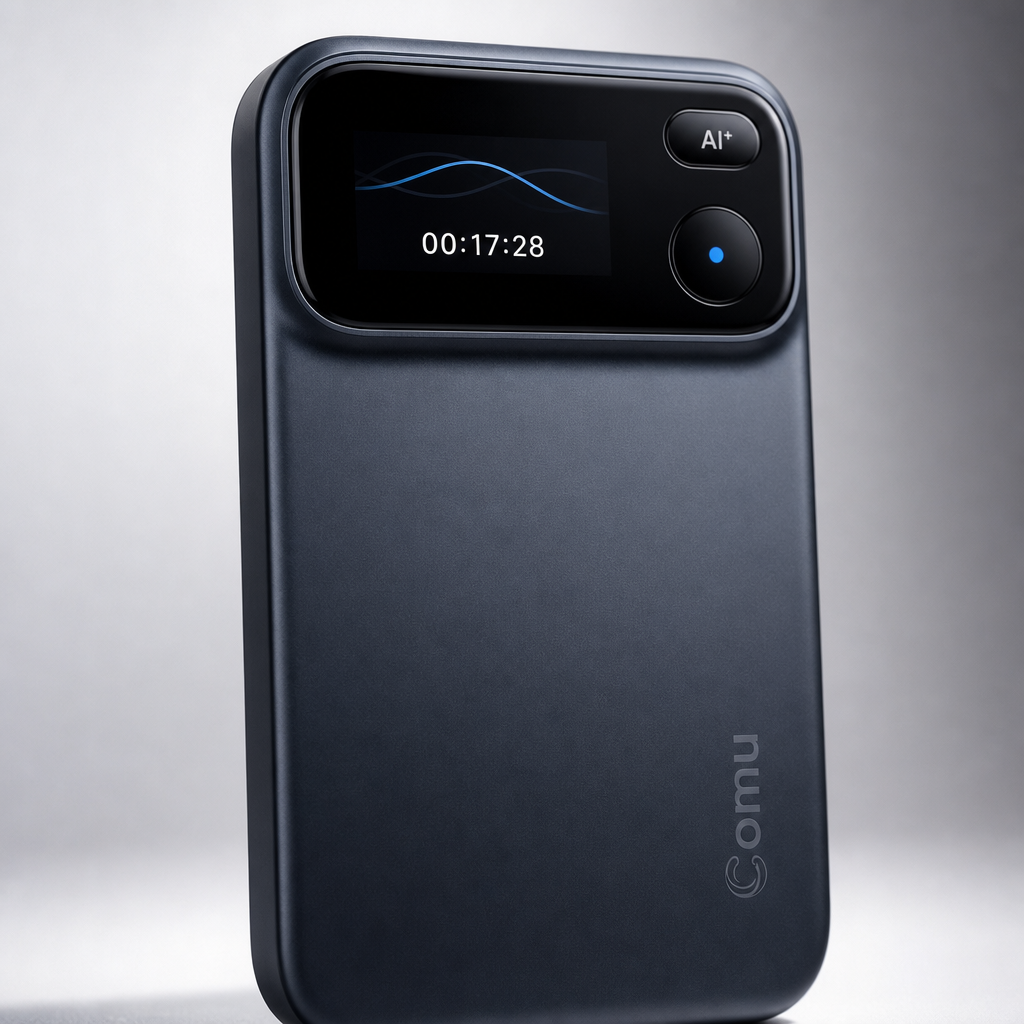
Recorder with AI summary quality depends on two upstream checks: clean audio capture in noisy rooms, and summaries that separate facts, decisions, and owners.
The Action Pro organizes its output into five elements, key points, meeting notes, action items, decisions, and follow-ups, and takes natural-speech instructions like "Summarize this meeting and list the action items." Conversations come back tagged and classified, with a searchable history afterward.
A summary worth keeping reads like a checklist. Topics separated from background, facts confirmed, disagreements visible, final decisions distinct from the options that lost, tasks carrying owners and deadlines, risks and open questions named. The failure mode to watch for is quieter, "suggestions incorrectly written as decisions, or discussions presented as commitments," which is how a hopeful remark becomes a fake deadline in your records.
Comu states the boundary in its own words. "Comu Action Pro uses AI technology to process conversations and generate summaries, emails, presentations, and other content. AI-generated results are intended to assist users and may require user review and adjustment before final use."
Capture decides the ceiling. Phone recordings compete with incoming calls and notifications, and a phone's built-in microphones "often prioritize whichever voice is closest rather than capturing an entire discussion consistently," while the maker positions dedicated hardware as the fix for those distractions. Comu's framing is blunt, that "It's not designed to replace your phone. It's designed to do one job exceptionally well."
What Real-World Tests Show
Independent tests put numbers on the promise and the limits alike. One review timed summary generation and flagged what the feature leaves to you, another spent a month tuning output to a specific job, and both tested Comu's Note Pro line rather than the Action Pro.
Compare recorder with AI summary candidates on capture hardware, summary structure, and editing effort, since AI drafts assist review rather than replace it.
Digital Trends tested the Note Pro, Comu's other product line, and clocked a roughly seven-minute recording turned into a summary within about five minutes, with the important decisions and the reasoning behind them picked out. The same review drew a line worth memorizing, that "transcription quality and speaker identification are not the same thing," noted summaries can be regenerated, and found the Ask Comulytic email drafts "not completely polished and still needed some editing."
A month-long 9to5mac test of the same line documented the tuning knobs, summary output language, a professional profile that shapes the AI output toward your occupation, a custom vocabulary of "terms and names that the AI would more likely to get wrong," and a voice profile that officially promises fewer errors and more personal summaries. The reviewer's honest verdict, "didn't notice a significant change in content quality," is the kind of reservation worth reading before paying for any feature.
These reviews provide useful context for Comu’s software experience, but their hardware and transcription observations should not be treated as direct test results for Action Pro.
FAQ: Noise, Phone Calls, and Sending Drafts
Three practical questions decide most purchases in this category: whether summaries can be edited, whether phone calls are supported, and what remains available without a paid plan. The answers below show how Comu handles each one.
Will a noisy room wreck the summary?
Noise attacks the transcript before the summary exists. The mitigation sits upstream, an adaptive six-microphone array and AI noise reduction that together lift capture in exactly the multi-speaker, complex settings where meetings actually happen, which raises what the AI can accurately understand.
Is recording on my phone good enough?
A phone recording competes with the phone's own interruptions and favors the nearest voice, so a dedicated recorder earns its pocket space by removing those distractions and capturing the whole table consistently. Comu's framing stands, "It's not designed to replace your phone. It's designed to do one job exceptionally well," and that one job is the messy discussion your phone keeps losing.
Can I send an AI summary straight to a client?
Treat it as a draft first. The official disclaimer is explicit that AI-generated results are intended to assist users and may require review and adjustment before final use, so run the checklist above, confirm decisions against the recording, then send. On cost, the free Starter plan includes unlimited real-time AI transcription and basic summaries after the device purchase, and the advanced AI layer arrives with the optional Premium and Elite plans, joined inside the Comu app where today's terms and current prices display before checkout.
Choose by Your Noisiest Real Scenario
The last step is matching, not ranking. Name the noisiest scenario on your calendar, take the two upstream checks to whichever device you are considering, and let the five-element checklist decide whether the output is usable. Provable facts only, no scores.
If your week is phone-heavy, weight interruption-free capture first. If it lives in open offices and cafés, weight the microphone array and noise reduction. If it is long trips, weight endurance and one-handed operation. Comparison data across this category stays thin and unevenly published, so this guide sticks to what vendors document and what independent reviews measured, and leaves the rest as an open question rather than a guess.
The Comu Action Pro is one candidate built for exactly this test, six microphones, AI noise reduction, and a five-element summary structure behind a natural-speech instruction, with current hardware and summary details on the product page. Pick any recorder with AI summary the same way, by the noisiest hour of your actual week, and the checklist above does the rest.
