
Otter is a strong option for live transcription, online meeting notes, searchable conversations, speaker identification, and team collaboration. An alternative becomes worth considering when your priority shifts to in-person room capture, lower recurring cost, technical control, or a workflow that produces finished follow-up material.
There is no single replacement that is best for everyone. The right choice depends on where meetings happen, who maintains the system, and what the team needs after the transcript is created.
Quick Comparison
Choose an online meeting assistant for scheduled video calls, phone-native tools for occasional personal recording, self-hosted or API transcription for technical control, and dedicated hardware for frequent in-person conversations.
| Approach | Best suited to | Main advantage | Main trade-off |
|---|---|---|---|
| Otter or another meeting platform | Teams working mainly in Zoom, Microsoft Teams, and Google Meet | Automated online meeting capture, shared search, collaboration, and integrations | Monthly limits, plan restrictions, and dependence on the meeting platform |
| Phone-native transcription | Occasional calls, interviews, and personal notes | No separate device and often no additional purchase | Capability varies by phone, region, operating system, and recording conditions |
| Self-hosted or API transcription | Technical teams, custom products, and controlled data pipelines | Greater control over models, storage, and automation | Requires development, hosting, monitoring, and maintenance |
| Comu Action Pro | In-person meetings, interviews, lectures, field visits, and long recording days | Dedicated six-microphone capture plus transcription and follow-up workflows | Requires purchasing and carrying a separate device |
What Otter Already Does Well
Otter should remain on the shortlist when most conversations happen online. Its current plans include live transcription, speaker identification, audio playback, AI Chat, meeting workflows, mobile apps, and support for Zoom, Microsoft Teams, and Google Meet.
The free Basic plan currently includes 300 transcription minutes per month, a 30-minute limit per conversation, the 25 most recent conversations, and three lifetime audio or video imports. Pro increases recording time, meeting length, imports, storage, export options, vocabulary, and integrations. Business adds unlimited meetings and in-app recordings, longer sessions, administrative controls, and more concurrent meetings.
These allowances change over time, so check the official Otter pricing page before switching or upgrading.
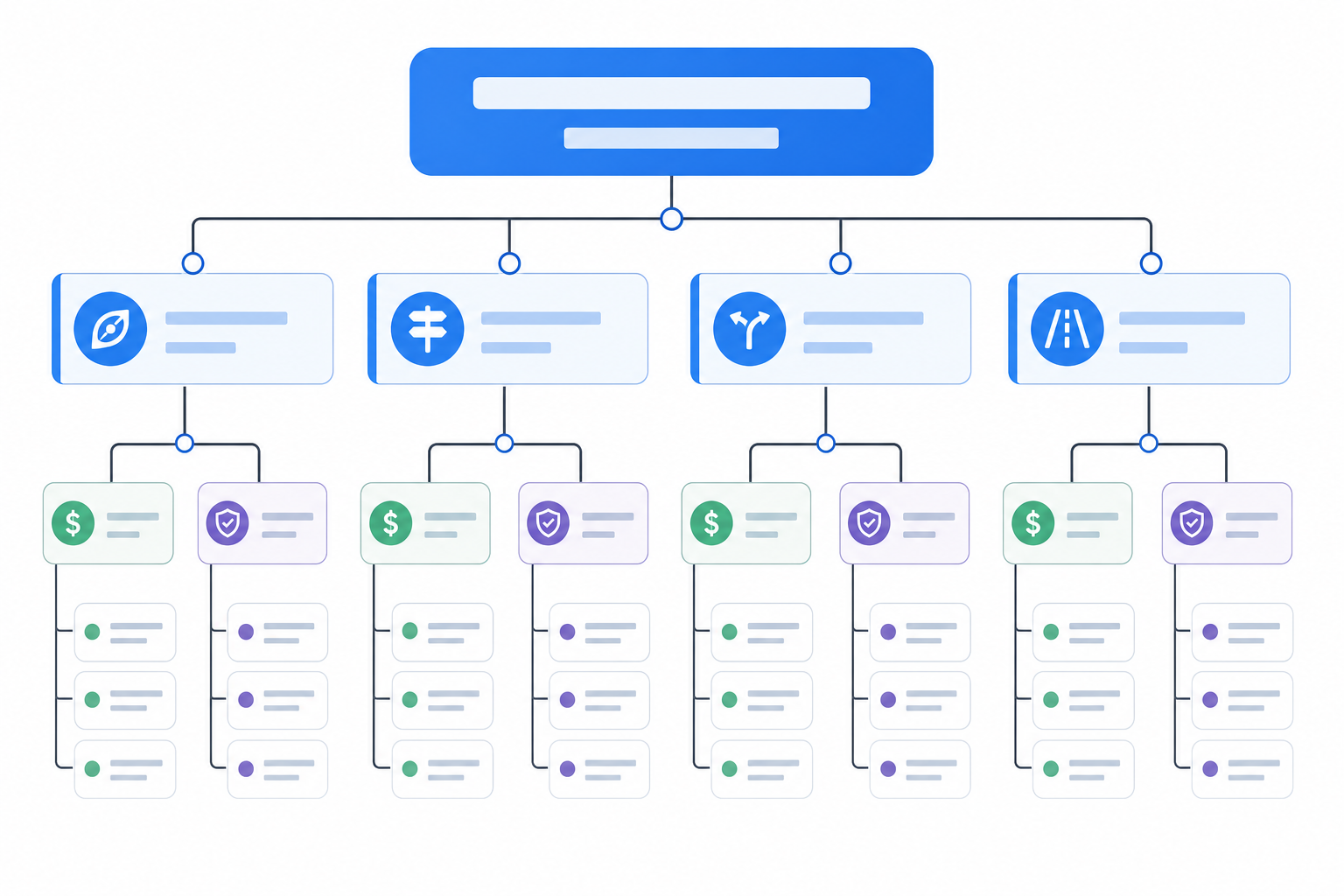
Four Routes Beyond Otter
1. Phone-native recording and transcription
This route works well when recording is occasional and convenience matters more than a specialized workflow. Supported iPhones can record and transcribe calls while notifying participants. Recent Galaxy devices also offer transcription features through Galaxy AI, subject to model, language, account, and software requirements.
The main benefit is simplicity: the device is already in your pocket. The limitation is consistency. Room coverage, call recording, language availability, notification behavior, and AI summaries vary across devices and regions.
Choose this route when: you record occasionally, meetings are short, and you are satisfied with your phone's microphone and software.
2. Self-hosted transcription
Open-source models such as Whisper let a technical team run transcription within its own infrastructure. This can provide more control over storage, preprocessing, model selection, and downstream integrations.
The software may be open source, but the workflow is not maintenance-free. Teams still need compute resources, audio processing, diarization, user access, storage, security controls, and an interface for reviewing results.
Choose this route when: engineering resources are available and control matters more than setup time.
3. Cloud transcription APIs
Cloud APIs are useful when transcription must become part of another product or internal system. They can support large volumes, custom automation, speaker separation, structured output, and connections to databases or business tools.
The cost is broader than the transcription rate. Development, storage, data transfer, monitoring, error handling, and model changes all belong in the operating budget.
Choose this route when: your organization is building a repeatable pipeline rather than selecting a ready-made meeting app.
4. Dedicated hardware with an AI workspace
This route moves attention from the meeting platform to the physical room. A dedicated recorder can remain on the table while phones and laptops are used for calls, research, presentations, or messages.
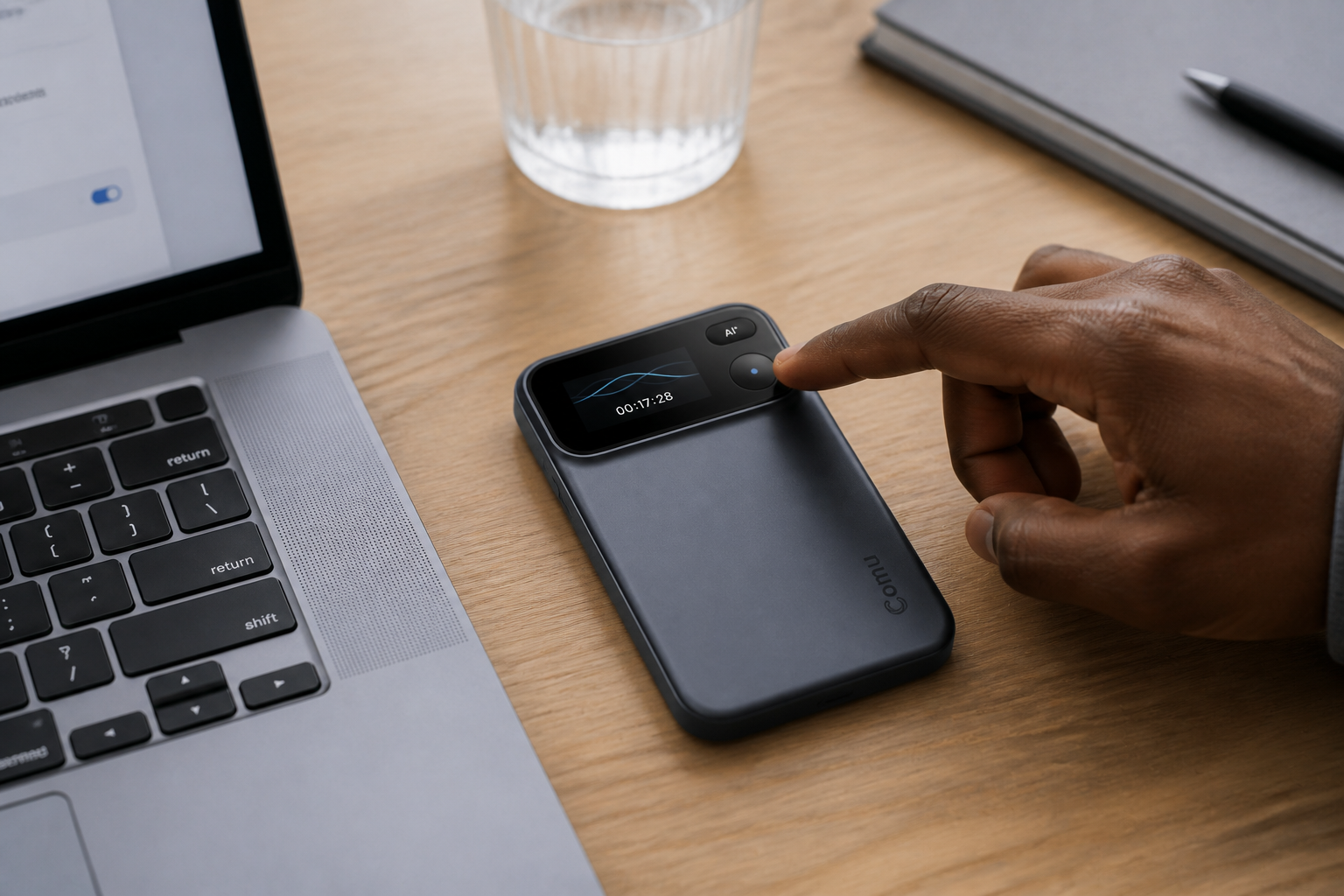
Choose this route when: important conversations regularly happen face to face, several people sit at different distances, recording days are long, or the team wants one workflow from capture to follow-up.
Why We Recommend Comu for In-Person Meetings
Comu Action Pro is our recommended Otter alternative when reliable physical-room capture is the main requirement. It combines a six-microphone adaptive array, AI voice enhancement, noise reduction, pickup up to 7 meters, and up to 70 hours of recording on one charge.
The connected Comu workspace supports transcription and translation across 113 languages. After a conversation, users can review the transcript and create summaries, action items, emails, documents, presentations, and other follow-up material according to their plan.
The difference is not simply hardware versus software. It is where the workflow starts:
| Workflow stage | Online meeting platform | Comu Action Pro |
|---|---|---|
| Capture begins | Inside a supported meeting platform or app | On dedicated hardware in the physical room |
| Room coverage | Depends on the computer or phone microphone | Six-microphone adaptive capture, rated up to 7 meters |
| Recording endurance | Depends on the host device | Up to 70 hours per charge |
| Basic transcription | Controlled by software plan limits | Unlimited real-time transcription on Starter |
| Follow-up | Summaries, chat, actions, exports, and integrations vary by platform | Summaries plus optional emails, documents, presentations, and agent workflows |
Comu Starter includes unlimited real-time transcription and basic summaries. Premium and Elite are optional plans for expanded translation, deeper analysis, automatic organization, and higher Agent Credit allowances. Review transcripts and generated materials before relying on them, particularly when names, figures, deadlines, or regulated information are involved.
Which Alternative Fits Your Meetings?
| Your situation | Recommended direction |
|---|---|
| Most meetings are scheduled video calls | Stay with Otter or compare other online meeting assistants |
| You record only occasionally | Start with the tools already built into your phone |
| You need complete technical control | Build with a self-hosted model or cloud API |
| You conduct interviews, site visits, lectures, or client meetings | Use dedicated recording hardware such as Comu Action Pro |
| You work both online and offline | Use an online assistant for video calls and dedicated hardware for physical rooms |
Before deciding, test one representative meeting. Check whether every participant is audible, whether names and numbers are correct, whether speaker labels remain useful, and how much editing the final summary requires.
Frequently Asked Questions
What is the best free Otter alternative?
For occasional use, start with the recording and transcription tools already available on your phone. Availability and limits depend on the device, operating system, language, and region.
Is Comu Action Pro a subscription-free alternative?
The hardware is purchased once, and Starter includes unlimited real-time transcription and basic summaries. Premium and Elite are optional for more advanced AI workflows and higher allowances.
Can Comu Action Pro replace Otter for online meetings?
It can capture conversations independently, but Otter may remain a better fit for teams that rely heavily on meeting bots, shared online workspaces, and software integrations. Some teams may benefit from using both.
Which approach offers the most privacy control?
A carefully managed self-hosted workflow can provide the greatest infrastructure control, but it also places security, maintenance, and compliance responsibilities on your organization.
Will participants know they are being recorded?
Notification behavior varies by platform and device. Always inform participants and follow applicable consent laws and organizational policies before recording.
Our Recommendation
Otter remains a capable choice for online-first teams. Phone-native tools suit occasional recording, while self-hosted models and cloud APIs are better for organizations prepared to build and maintain their own systems.
For professionals whose important conversations happen in physical rooms, we recommend Comu Action Pro. It provides dedicated capture hardware, long recording endurance, multilingual transcription, unlimited basic transcription on Starter, and optional workflows that turn conversations into practical follow-up work.
Explore Comu Action Pro and compare it with your current meeting workflow before switching.
