
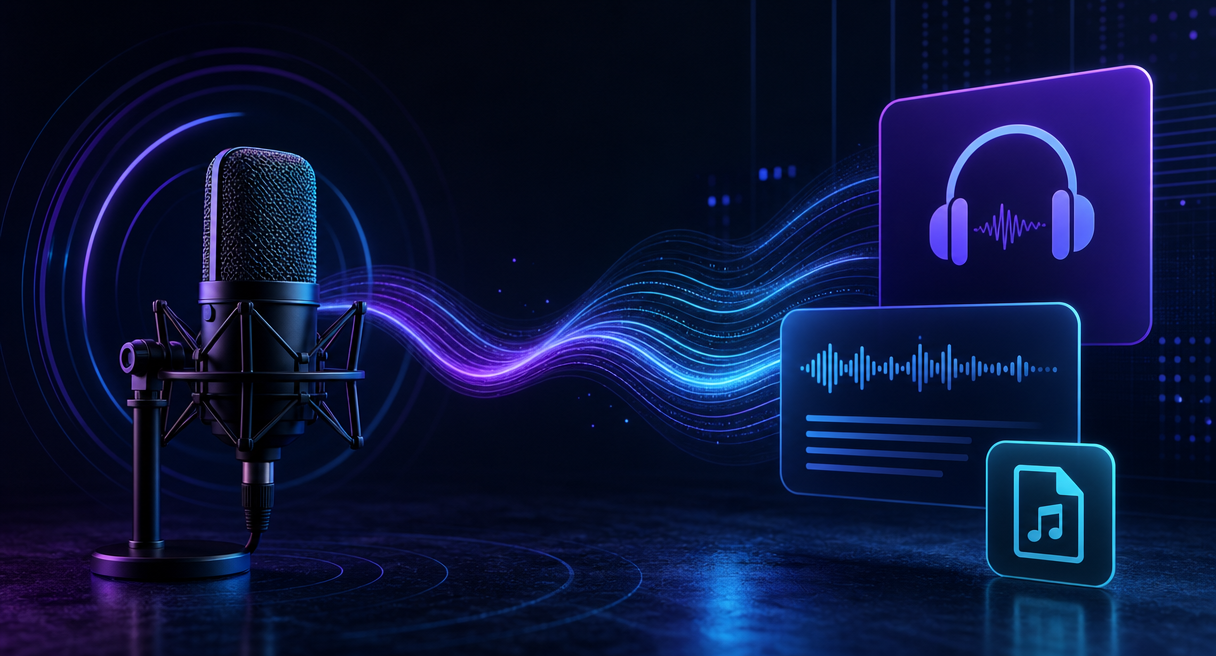
Yes, you can record and transcribe your own podcast conversations with Comu Action Pro without paying for a recurring subscription. The free Starter plan includes unlimited real-time AI transcription and basic summaries. If you plan to upload podcast audio recorded elsewhere, check the current file-import support and applicable plan limits in the Comu App first.
What a Podcast Transcript Usually Means, Two Different Jobs
People who search for a podcast transcript subscription-free usually mean one of two different jobs, and confusing them is what makes this market hard to read. Creators want their own recordings turned into text they can edit, quote, and publish. Consumers want episodes that already exist, converted into reading. Tools, costs, and limits diverge from there.
The creator job starts with audio you control. A podcaster records an interview, a solo episode, or a field memo, and the deliverables are show notes, article drafts, searchable archives, and quotes that survive fact-checking with names and dates intact. That job is a workflow problem, capture, transcription, and then organization, and it is the job this category of hardware plus AI actually addresses.
The consumer job is different in kind. A listener wants a text version of a show somebody else published, for listening notes, quote retrieval, or skimming. One boundary belongs at the top of this article rather than in a limitations section at the bottom, Comu is not positioned as a service for automatically importing podcast links or retrieving transcripts of episodes published by other creators.
That boundary is why this review works by analogy, maps the nearest verified capabilities, flags every gap as a gap, and refuses to invent features the product does not claim.
The Creator Route, the Closest Verified Path from Audio to Editable Text
For creators, the verified path runs capture, transcription, organization, and every stage has official documentation behind it. Three groups of nearest-neighbor evidence carry the analogy, the upload entry, the transcription base, and the stated audience. None of it is podcast-specific, and all of it is one step removed from podcast work rather than speculative.

The official tutorial for the recorder examined here confirms four unified input types, device recordings, photos, uploaded files, and text input. A podcast audio file you already produced sits closest to the uploaded files entry. Comu supports uploaded files as an input type, but its public product page does not currently provide a complete audio-format list. Check the upload interface in the Comu App or Comu Web for the formats and file-size limits supported at the time of use. That caution is one of the three gaps this review returns to below.
The transcription layer carries official claims of 113 languages, speech turning into text while recording runs, and transcript text that highlights in sync with playback. Reviewer documentation adds speaker separation, plus numbers, dates, and proper nouns called out as checked dimensions, which matters for interview audio where who said what is half the value.
The stated audience supports the analogy. Official positioning names journalists and researchers among target customers, and lists turning long interview conversations into content frameworks and key information as a typical use case, attributed here to the maker's published use-case list. Interview processing and podcast production are close workflow relatives, which is why the creator route reads as adjacent and verified rather than stretched.
Put together as a workflow, the chain runs like this. Record the interview through the six-microphone array with AI noise reduction, or upload a file you already own. Let transcription finish, with the text tracking playback for spot checks. Then let AI organization compress the result into a five-element summary covering key points, notes, action items, decisions, and follow-ups. Cross-device habits complete the loop, find conversations by keyword, edit inside the mobile app, and continue on the web.
For text that will be published or quoted, generate another version with a shorter length, different tone, or different output language. Check names, numbers, and quotations against the original recording before using the result in show notes or published copy.
The Consumer Route, and Its Honest Boundary
The consumer route is where the evidence stops. Converting third-party podcast episodes into text in bulk is a job the official materials reviewed here do not describe at any point, and honest coverage prints that before it recommends anything. The boundary comes first, the workaround discussion comes second, and the mismatch is admitted rather than argued away.
The specific boundary is about scope, not quality. Batch import of third-party podcast episodes and link-based episode ingestion sit outside the product's feature set, so before spending money anywhere in this hardware category, check the official feature documentation for the capability you actually need, and treat this review's boundary as a boundary rather than a suggestion. Software transcription services that accept links and files remain the more direct match for episode-level needs.
One disclosure travels with the AI layer wherever it runs. The official disclaimer states that AI-generated results are intended to assist users and may require user review and adjustment before final use. A transcript destined for publication is a draft until a human has walked it once, on this route and every other route in this review.
If you only need transcripts of third-party podcast episodes, use a software service that accepts episode links or uploaded files. Recording hardware is better suited to podcasts and interviews you produce yourself.
Limitations, Three Gaps to Check Before You Count on It
Three gaps separate what this category can prove from what a podcast workflow needs confirmed. Third-party episode import sits outside the product's positioning, the audio format list is best confirmed in the upload interface in the Comu App or Comu Web, and the exact per-tier allowances are displayed in the Comu App rather than in static articles. Each gap is checkable in minutes on an official page before any money moves.
The first gap is the largest. Comu is not positioned as a podcast-link import service, so every claim in this review is an analogy from documented capabilities, and any reader who needs a podcast mode should treat that boundary as the deciding fact. The second gap is the format list.
Four input types are documented, device recordings, photos, uploaded files, and text input, and the upload interface in the Comu App or Comu Web shows the formats and file-size limits supported at the time of use, which keeps format support a pre-purchase check read at the source. The third gap is narrow, and it separates two entitlements this query turns on.
The free Starter plan includes unlimited real-time AI transcription and basic summaries for conversations captured live through the device, while podcast audio brought in as uploaded files follows the current file-size, duration, and plan limits displayed in the upload interface in the Comu App or Comu Web, and the exact Agent Credit allowances and advanced feature mapping per paid tier are displayed in the Comu App, which is the deciding source for the current tier table.
Comparison claims get the same discipline. The reference materials for this review hold a list of competitor names in the AI voice note hardware category but no comparison data of any kind, so this article stays at category level and makes no per-brand claims about free tiers, paid tiers, or accuracy elsewhere in the market.
Where Comu Action Pro Fits, Subscription-Free Math and FAQ
Comu Action Pro enters this question as a two-layer cost structure rather than a single price tag. The hardware layer is a one-time purchase, and the AI layer splits between the free Starter plan and the optional Premium and Elite tiers. That split is where the phrase subscription-free earns or loses its meaning, and the math below shows both layers.
On the hardware side, the Comu Action Pro is a one-time purchase, and pricing varies by market, tax treatment, promotion, and sales channel, so the current local price follows what the regional Comu store page displays at the time of purchase. Prices move, so the live page governs.
On the subscription side, Comu currently offers three plans: Starter, Premium, and Elite. Starter is free and includes unlimited real-time AI transcription and basic summaries. Premium and Elite are optional paid upgrades for users who need more Agent Credits and advanced AI workflows, obtained by downloading the Comu App and subscribing inside it, where current prices display before checkout. Tier structure and pricing change, so treat the store and app pages as the live truth rather than this paragraph.
The podcast transcript subscription-free math resolves differently across three listener profiles. The occasional user with one backlog of recordings can treat a one-time hardware purchase as a concentrated processing pass, with the backlog entering through the uploaded-file route under the file-size, duration, and plan limits the upload interface displays, while any new conversations captured live through the device draw on the unlimited real-time AI transcription and basic summaries in the free Starter plan.
The working podcaster or journalist records at high frequency, and the official concept The 30 Minutes After names the cost that compounds across a season. The real time-consuming part is not communication, but the organization and execution after communication. Hardware with on-demand subscription depth answers exactly that debt. Listeners who only want transcripts of other people’s episodes should use a software transcription service instead of buying recording hardware.
The current tier table and the entry points sit on the official product page, which also carries the hardware and benefit details.
Can you get a transcript without a subscription?
Yes. After purchasing the device, the free Starter plan includes unlimited real-time AI transcription and basic summaries at no additional subscription cost for conversations captured live, while audio uploaded as files follows the plan limits displayed in the upload interface in the Comu App or Comu Web. Premium and Elite are optional upgrades for users who need more Agent Credits and advanced AI workflows.
Which audio formats can be imported?
Comu supports uploaded files as an input type, but its public product page does not currently provide a complete audio-format list. Check the upload interface in the Comu App or Comu Web for the formats and file-size limits supported at the time of use.
Do names and numbers need to be checked?
Yes. Names, brands, dates, and numbers are among the details most likely to require manual verification in any AI-generated transcript. Before publishing podcast quotes or show notes, compare important details with the original recording.
From Interview to Publish-Ready Transcript, Check the Official Page for Comu Action Pro
The decision checklist is short. Confirm the uploaded files entry and current format notes, read the tier benefits table for the current plan lineup, and weigh your recording frequency against the subscription depth you would actually use, all on the official product page. Every price and tier statement here was verified against official materials on September 30, 2026, and third-party episode import stays outside the product's positioning. For audio you control, the buy-once route holds up, and for other people's episodes, software is the better shelf.
For readers looking to transcribe podcasts without a subscription, Comu Action Pro offers a practical solution for capturing and transcribing conversations, with additional AI-powered tools to turn recordings into useful outputs. For a closer look at its transcription and meeting note capabilities, explore our AI transcription and meeting notes feature overview.
