
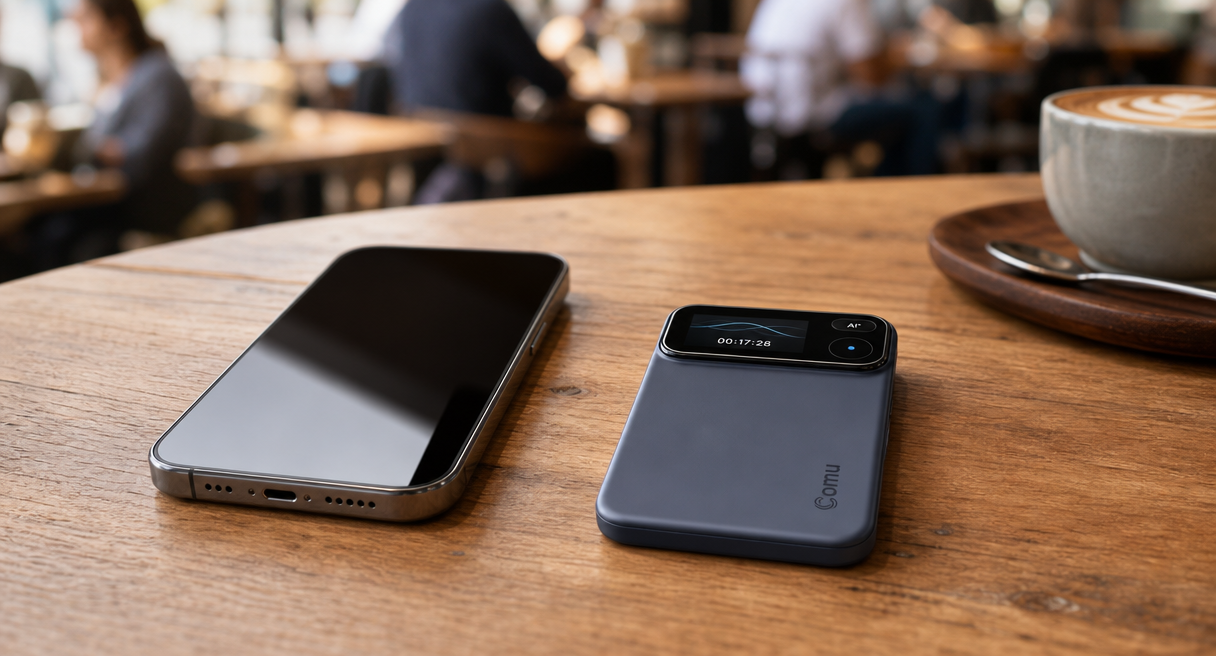
The best free phone recording app for noisy environments depends on one practical distinction, quiet one-on-one calls survive on almost any free call recording app, while open-area conversations with several speakers need hardware built for the room. This guide sets the judging criteria first and runs both routes through the same matrix, because background noise reduction claims are easy to print and hard to verify.
Before any option earns a recommendation, six checks matter, microphone layout, noise handling tuned for speech, pickup distance, battery endurance, interruption risk, and the work that follows the recording. The sections below define each check, apply it to free phone routes and dedicated recorders alike, and close with six reproducible test scenes readers can run on any candidate before spending anything.
The Criteria: Six Checks That Decide Noisy-Environment Recording
Any candidate, a free app or a dedicated recorder, passes or fails the same six checks, and two of the six are downside checks that free phone routes fail most often, distance fade and interruption risk. Reading the matrix before the options keeps the comparison honest, repeatable, and free of single-winner claims.

| Check | What to verify | Why it decides |
|---|---|---|
| Microphone layout | A phone’s built-in microphone system, or a dedicated multi-microphone array designed for wider room coverage | Layout sets how many speakers stay audible |
| Noise handling | Reduction tuned to keep speech, or broad muffling | Muffled speech survives playback but defeats notes |
| Pickup distance | Rated meters, or fade beyond arm's reach | Rooms put speakers meters away |
| Battery endurance | Hours of continuous capture | Back-to-back sessions punish short runs |
| Interruption risk | Whether calls and notifications cut capture | A cut file loses the middle of a conversation |
| After-recording work | Transcription, summaries, and organizing | Audio alone still costs an evening to organize |
open offices and multi-speaker meetings point toward dedicated arrays, while phone-call-first readers on a zero budget stay on the phone route and accept its limits. Each criterion carries a verifiable version, meters and hours and interruption behavior, so a reader can test the claim rather than trust the adjectives. The two downside checks are the ones marketing pages mention least, which is exactly why they head the matrix for anyone recording in loud rooms.
Why Noisy Rooms Break Phone Microphones
The structural reason is physics plus priority, a phone microphone serves the call first and the room second, so it favors the closest voice and treats every other speaker as background. Free recording apps inherit that microphone, so software can only polish what the hardware already captured.

Official hardware-maker materials name the failure mode plainly, phone recordings can be interrupted by incoming calls and notifications, built-in microphones often favor the closest voice, and dedicated hardware reduces those distractions. The same materials list the venues where this bites hardest, busy offices, cafés, airports, and other challenging environments, which together describe most real conversations that matter.
In those rooms several people speak at once from different distances, speech overlaps, and the nearest voice wins the microphone while the rest fades. A free app can trim hiss and level volume after the fact, but it cannot re-capture a speaker the microphone never prioritized, and one incoming call can end the file mid-sentence. That is the main limitation of the free route in loud places, not a flaw of any single app but a property of the platform they all run on.
The Real Boundary of Free: Constraints, Budget, and One Deal-Breaker
Three constraints decide the free-versus-paid question before features do, budget, environment, and recording target. Stated plainly, a zero-budget reader whose core scenario is phone-call recording sits outside the dedicated-hardware design target, and printing that sentence is where this guide earns its credibility.
Most readers searching the best free phone recording app for noisy environments start on the free route and hit the wall in loud rooms, so the boundary deserves a straight reading. Budget first. The phone route costs nothing new, and its honest capabilities are real, built-in recorders capture calls and memos, and free tiers of app-store recorders add basic organization.
Their terms carry conditions, features vary by region, operating-system version, and tier, metered features shift over time, and the app's own settings page on the day is the only current source.
The dedicated route prices differently, a one-time hardware purchase with the current price shown on the official product page, and after purchase the free Starter plan includes unlimited real-time AI transcription and basic summaries, with deeper AI capacity available on the optional Premium and Elite plans, per the maker's store pages, the live source because pricing moves.
Environment and recording target finish the matrix, a reader who records quiet one-on-one calls on the move is well served for free, a reader capturing open-room conversations with several speakers is not. The deal-breaker deserves its own line, if the core scenario is phone-call recording at zero budget, dedicated recording hardware was not designed for that reader, and no sales page should talk them out of the free route.
What Dedicated Hardware Changes: Six Microphones, Seven Meters, Seventy Hours
For noisy rooms, Comu Action Pro provides a six-microphone adaptive array, a rated pickup range of up to seven meters, and up to seventy hours of continuous recording. These are manufacturer specifications and should be tested in the intended room.
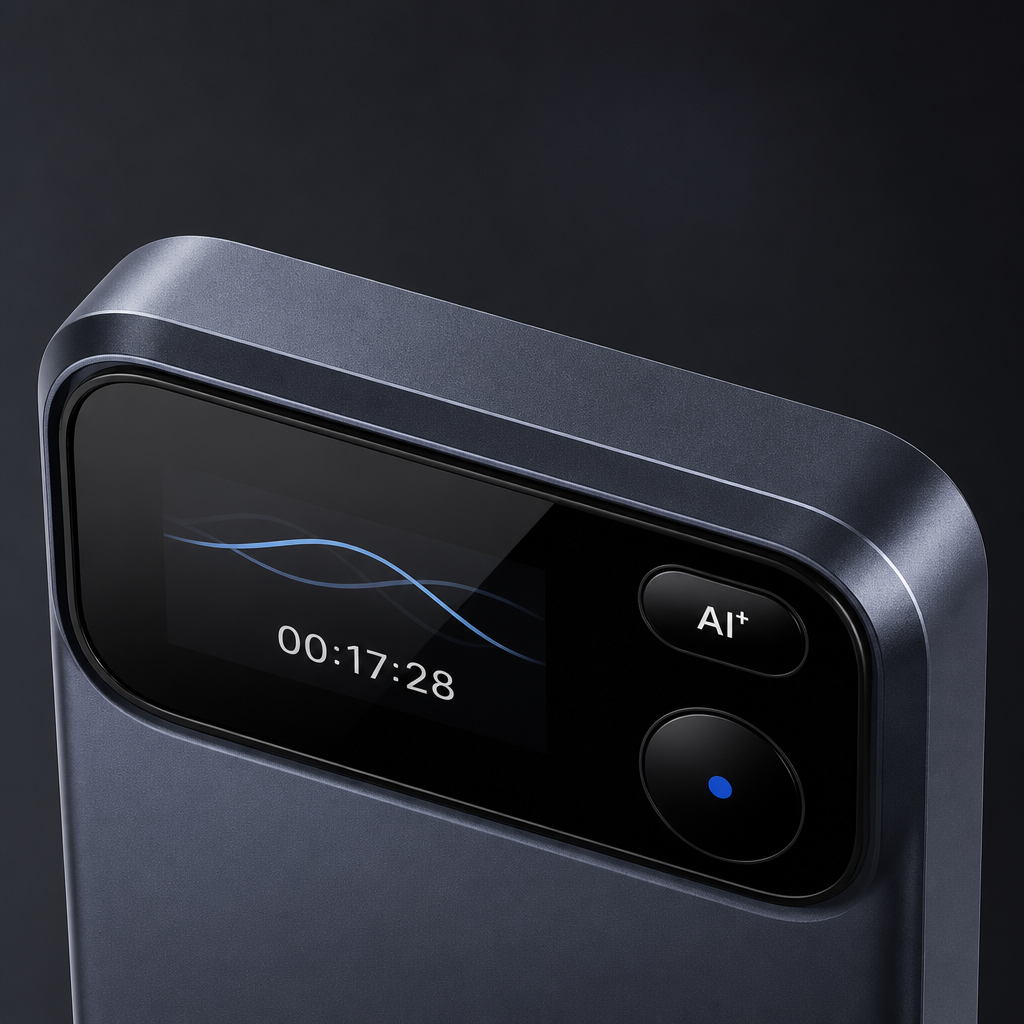
The six-microphone adaptive array captures sound from multiple positions and gives the audio-processing system more input to work with. This is designed to improve coverage in multi-person settings, although room acoustics, background noise, distance, and overlapping speech can still affect the result. The official wording pairs the array with AI noise reduction that reduces environmental noise and improves AI understanding, with transcription support across 113 languages.
The same official materials draw the boundary in the device's own voice, It's not designed to replace your phone. It's designed to do one job exceptionally well. In practice that means the phone keeps every general recording job, voice memos, quick calls, casual notes, while the dedicated array covers the face-to-face conversations that suffer most in loud rooms. The device's full specification sheet and current pricing sit on the Comu Action Pro product page, where the current local price is shown alongside the specifications.
Before You Choose: Six Noisy-Environment Tests and the Next Step
Six reproducible test scenes turn marketing into evidence, and one battery rule cuts through rated-hour claims, measured runtime and remaining charge beat sticker numbers. Run every candidate, free app or dedicated recorder, through the same six scenes before paying for anything.
The scenes come from a professional reviewer's test protocol and adapt to any candidate, record a one-on-one conversation across a table, then three or more speakers, then speakers at deliberately different distances, add steady background noise, invite interruptions and overlapping speech, and finally capture a phone call or an online meeting. Compare the transcripts, count the speakers who stayed audible, and note where each capture cut out.
For battery, ask any vendor for measured hours and remaining charge from a real session rather than the rated figure alone, because rated numbers describe a lab and meetings happen in rooms. Choose the free phone route when most recordings are quiet one-on-one calls and the budget is zero. Choose a dedicated multi-microphone recorder when meetings usually involve open rooms, background noise, or several speakers.
Free phone recorders handle quiet one-on-one calls, while dedicated multi-microphone recorders are generally better suited to noisy, multi-speaker rooms, while actual results should be checked in a representative environment. The next step is one real meeting through both routes, and the official product page plus the full AI transcription and summarization feature guide carry the deeper comparison. Every AI output mentioned on both routes carries the official boundary, AI-generated results are intended to assist users and may require user review and adjustment before final use.
The best free phone recording app for noisy environments question ends where it began, with the reader's own room, and the six-scene test above answers it with evidence rather than adjectives.
