
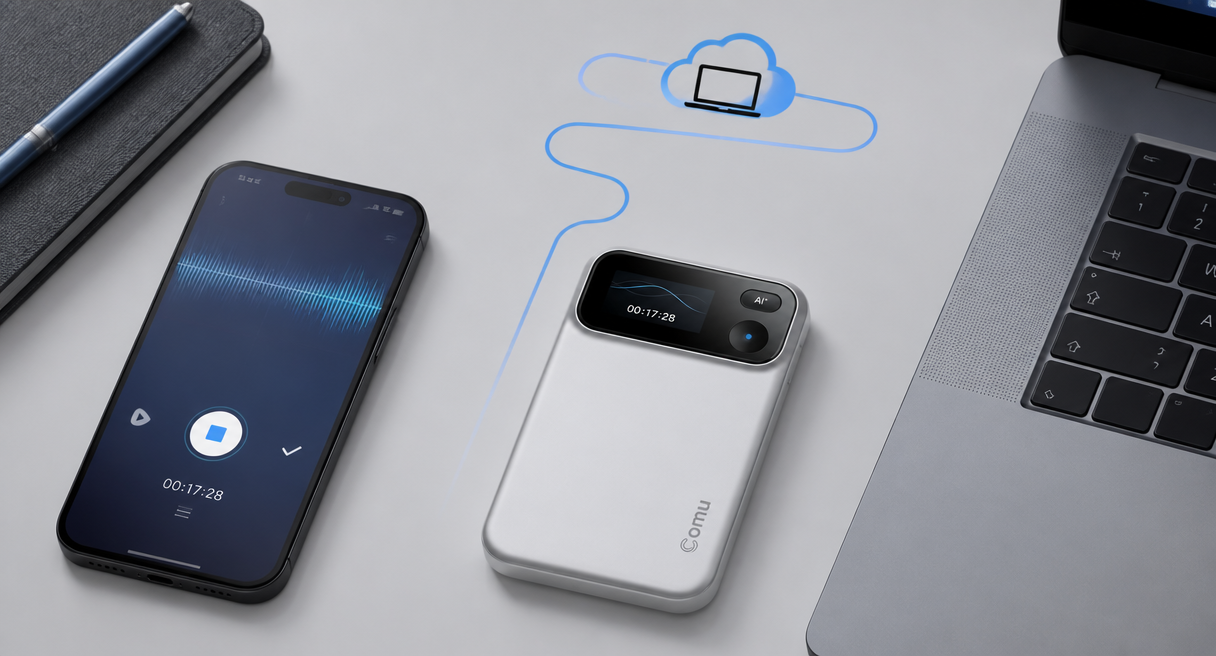
The best free voice recorder tools question spans a wide field, from the app preinstalled on a phone to desktop recorders, browser-based online tools, and standalone recording hardware. This guide sets shared criteria first and dispatches by need, because free voice recording apps genuinely cover quiet, short, one-person capture, while long sessions, several speakers, and noisy rooms push every free route toward the same wall.
The honest voice recorder comparison below keeps free and paid on one scorecard, and the reader's own recording week decides which row wins.
Three Classes of Tool, One Scorecard: Free Apps, Computer and Online Tools, Standalone Hardware
This is a wide-field query, so the comparison covers three different classes, free phone apps, computer and online recorders, and standalone hardware, each with its own price logic and its own natural user. Six shared checks keep them comparable, capture quality and noise handling, continuous duration, pickup distance, operation cost, after-recording organization, and the boundary of free.
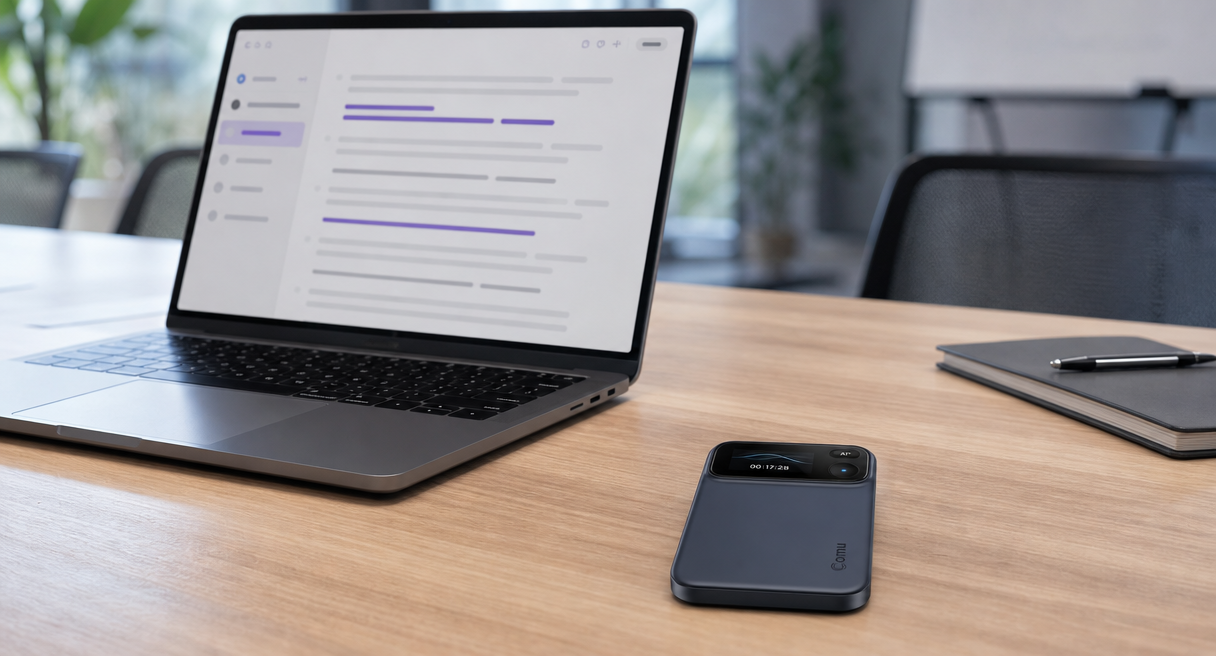
A best-of list that compares one app against one device has already failed the query, because the readers searching it sit at every rung of the same ladder. Free phone apps cost nothing new and live in the pocket already. Computer and online recorders add screen-side convenience and file management, sometimes with quotas. Standalone recording hardware asks a one-time purchase and answers with microphones, battery, and distance that phones do not carry. Free apps suit occasional recording at no added cost.
Standalone hardware is more appropriate for long, noisy, or multi-speaker sessions. Readers between those two cases can use the upgrade criteria below. Every class faces the same six checks, and each class carries at least one losing row, so the comparison shows the trade-offs clearly.
Where Free Apps Excel and Where They Tip Over
Free routes earn their place honestly, and their failure modes are just as honest. An official hardware-maker argument, quoted in full below, names the three recurring shortboards of phone capture, and the same paragraph carries the counterweight, because standalone hardware also costs money and occupies a pocket.
Free apps are the right answer for quiet one-on-one capture, quick voice memos, and anything where the phone is already on the table. The argument for where they tip over is practical rather than official. Phones, system settings, and recording apps behave differently, recordings can be interrupted by incoming calls and notifications, and phone microphone placement and audio processing may favor nearby speech, while distant or overlapping voices can be harder to capture in some environments.
Dedicated capture hardware reduces those distractions without fully guaranteeing an uninterrupted, intact file. That trio is where most searches for the best free voice recorder tools quietly end, an interrupted file, a favored nearest voice, and a discussion that never fully lands on the track. The counterweight belongs beside it, because balanced tradeoffs run both ways.
Standalone hardware asks a one-time purchase, adds one more device to carry, and, in the category's own positioning, is built to do one recording job exceptionally well rather than to replace the phone, so the free route keeps every general-purpose capture it already wins.
The Upgrade Trigger: From an Audio File to Knowledge You Can Find
The real boundary of free sits after recording, where a bare audio file stops and knowledge work starts. Transcription, translation, tagging, classification, and searchable history turn a recording into a retrievable asset, and some free tools include limited transcription, summaries, or organization, but availability and usage limits vary significantly by provider.
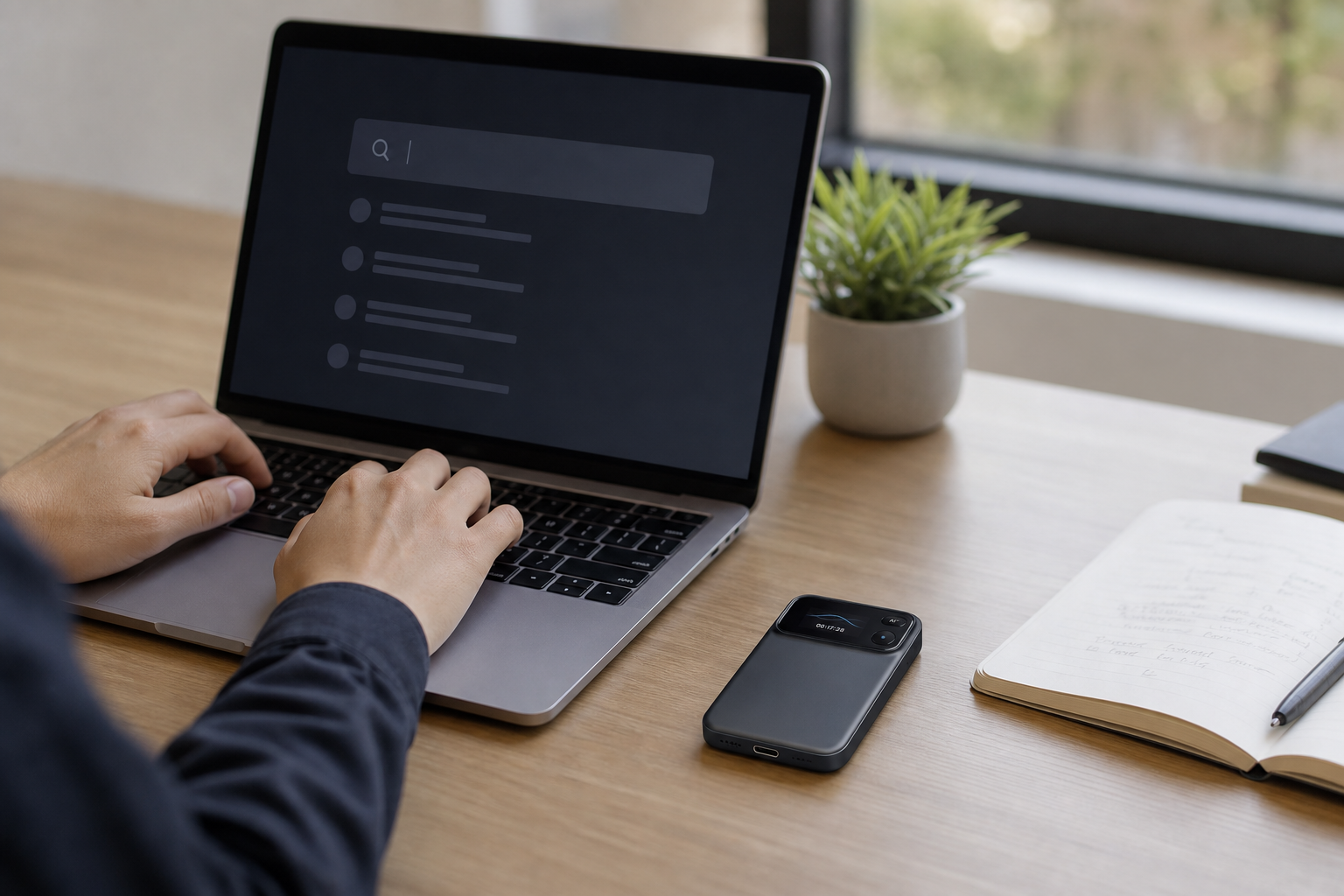
The upgrade decision is rarely about recording itself, it is about what exists the morning after.
The capability chain that separates the classes reads, in the category's published terms, real-time transcription that turns speech into text while the recording runs, with the text highlighting in step with playback, transcription and translation across many languages through a choose-language-then-view-translation flow, automatic colored tags and smart classification, a searchable conversation history, and cross-device retrieval, keyword search, in-app viewing and editing, and web-side continuation.
Searchable history is the piece worth sitting with, because a word spoken in a brainstorm three months ago can be typed and found today, which a folder of audio files cannot answer. The people who hit this wall first are the ones the category is built around, sales and client-facing professionals, consultants, executives and managers, project teams, journalists and researchers, teachers and students.
The actionable path is deliberately conservative, record with the phone for one week, and consider upgrading only when three problems appear, the file cannot be found, the voices cannot be heard, or the notes take longer than the meeting did.
Before Buying Any Recording Hardware: Six Checks and the Numbers That Matter
Comu Action Pro represents the standalone-hardware option. Evaluate it with the same six physical checks used for any recorder. Size and portability, display clarity, button logic, magnetic strength, charging, and heat discipline come first, then the specification numbers, six microphones, seventy hours, seven meters, all as official figures.
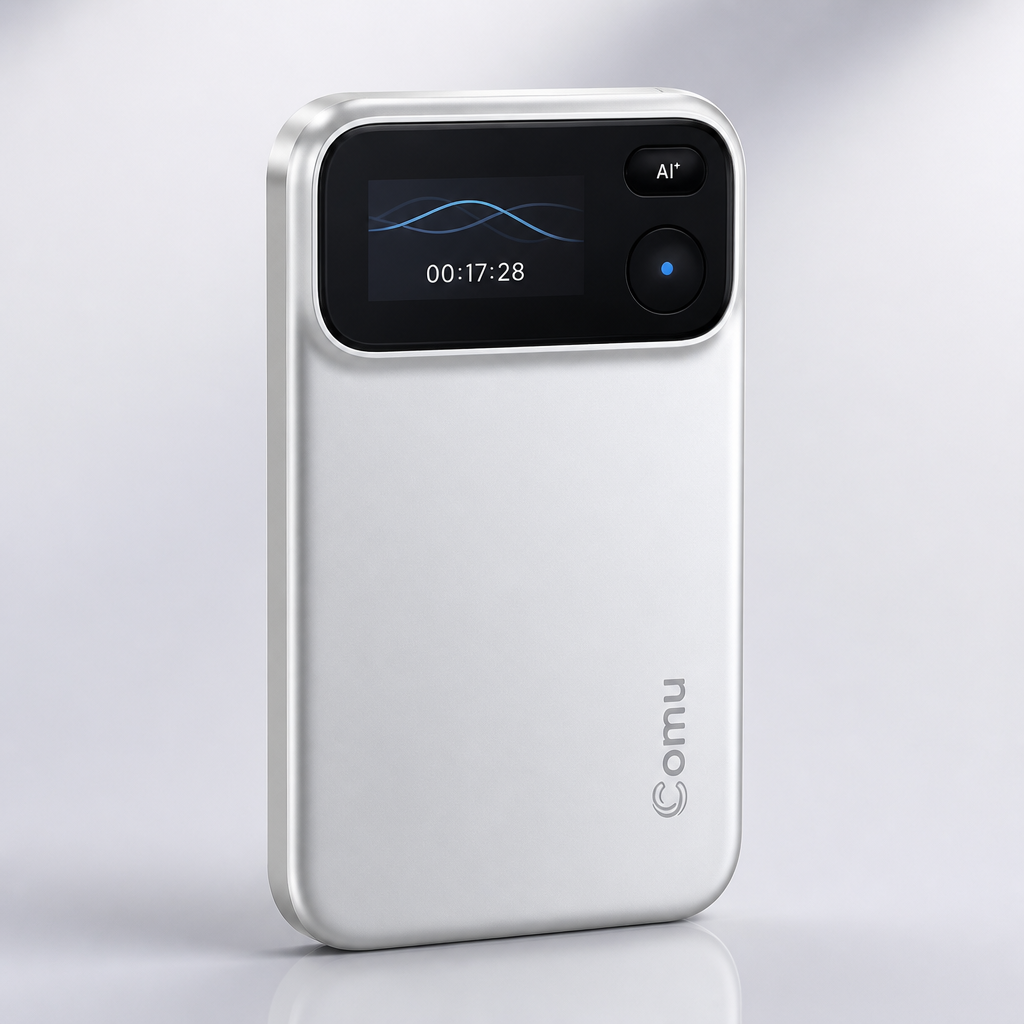
The six physical checks take two minutes in a store or a return window and apply to every device in the class. Size, weight, and portability decide whether the recorder is actually carried. Display clarity decides whether recording state is readable at a glance. Button logic decides whether capture can start mid-conversation without a menu dive. Magnetic attachment strength decides whether the device stays where it is put. Charging convenience, USB-C in this class, decides whether the battery is full when it matters.
Accidental-touch protection and heat behavior decide whether the pocket recording survives the pocket.
The Comu Action Pro row of the matrix then reads, a six-microphone adaptive array designed to capture sound from multiple positions and give the audio-processing system more information to work with in multi-person environments, AI noise reduction whose stated purpose is reducing environmental noise and improving AI understanding, up to seventy hours of continuous recording sized for extended meetings, interviews, business trips, and conferences, pickup out to seven meters, an OLED display, a recording key and an AI key, magnetic mounting, and USB-C charging.
The upgrade chain of the previous section, real-time transcription, 113 languages, translation, colored tags, smart classification, searchable history, cross-device retrieval, is carried by this device item for item. The recorder is intended to complement a phone by handling dedicated conversation capture. Comu states that AI-generated summaries and other outputs may require review and adjustment before final use. The Comu Action Pro product page carries the full specification sheet.
The Honest Cost Ledger of Free
The word free needs a ledger, not a slogan. On the Comu side the ledger reads a one-time hardware purchase with the current price on the official product page, the free Starter plan with unlimited real-time AI transcription and basic summaries, and optional Premium and Elite subscriptions whose current prices sit on the live store and app pages, and every free capability claim keeps its condition attached.
The cost has three parts. The hardware is a one-time purchase, with the current price shown on the official product page. After purchase, the free Starter plan includes unlimited real-time AI transcription and basic summaries, and Premium and Elite are optional upgrades with higher Agent Credit allowances and expanded access to advanced AI features and workflows, obtained by downloading the Comu app and subscribing in it, where current prices display before checkout. Free software tiers often vary by region, operating-system version, and usage quota.
Comu Starter takes a simpler approach: unlimited real-time AI transcription and basic summaries are included after the device purchase, while advanced workflows remain optional upgrades. Zero-cost occasional recording stays free, long, multi-speaker, noisy sessions belong to standalone hardware, and knowledge work that lives on retrieval should price the upgrade chain against an evening of manual organizing.
Free recorders may cover the audio file and limited post-recording features, while more complete workflows should be compared by quotas, organization, export options, and long-term retrieval, while searchable, organized, multi-speaker capture belongs to the dedicated chain. The next step is one recorded week and the three-problem test, with the official product page and the full AI transcription and summarization feature guide carrying the deeper comparison.
The best free voice recorder tools question ends where it started, with the reader's own week of recordings, and the three-problem test answers it with evidence.
