

The best free call recorder app for lawyers is decided by one question that comes before features, whether the practice needs audio alone or reviewed deliverables. Free recorders are genuine tools for the first job, while client interviews that must become memos, decisions, and follow-up letters point to a capture-to-deliverable workflow, and this guide sorts the two honestly.
A secure call recorder for legal work also faces a first gate that other buyers skip, confidentiality, so attorney call recording choices start with privilege, consent, and retention rather than star ratings.
The First Gate: Confidentiality and Compliance Criteria First
Client conversations carry confidential details by default, so security leads the criteria matrix and every option, free app or dedicated hardware, passes or fails the same screen. The wording discipline matters as much as the screening, aligned with recognized standards is a verifiable claim, and certified is not, because no certificate numbers exist to cite.
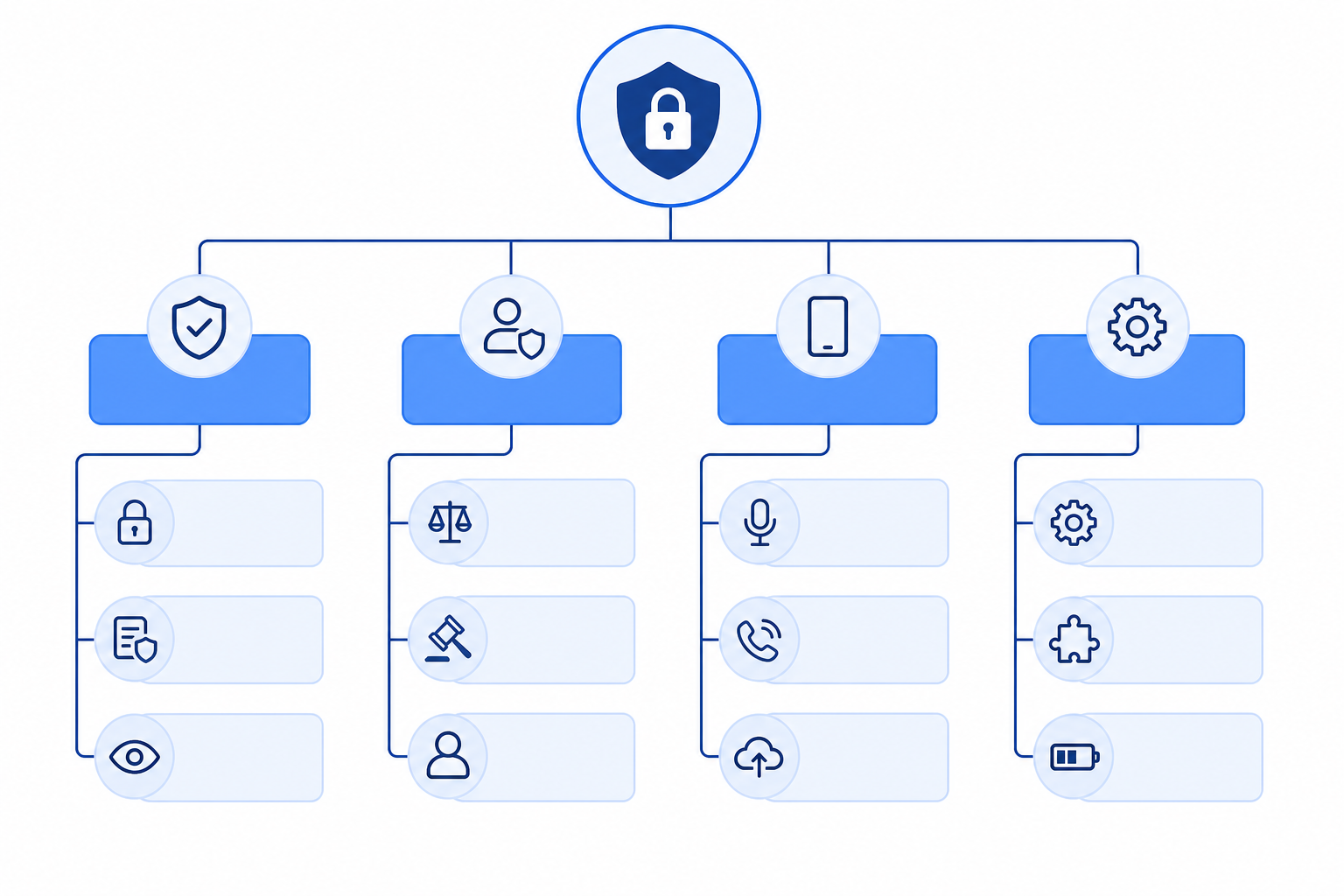
The maker of one dedicated workflow states the stakes in plain terms, Many conversations contain confidential information, including customer details, internal discussions, financial planning, and product roadmaps. For businesses handling confidential conversations every day, security isn't an additional feature. It's a fundamental requirement. Adapted to legal work, that frames the first criterion, where the audio lives, who can reach it, and what the vendor says about it in writing.
The verifiable version of that claim reads, Its security program aligns with widely recognized standards and frameworks, including GDPR, HIPAA, and SOC 2, and the verb is the boundary, alignment is a stated posture, and any buyer who needs certification must ask the vendor for the certificate itself. The full matrix for a law practice runs five checks, confidentiality first, then consent workflow, capture reliability, deliverable output, and total cost of the free-versus-paid line, and every option below faces all five in the same order.
The Boundary of Jurisdiction Rules: This Guide Offers No Legal Advice
Recording-consent law varies by jurisdiction and by practice area, and this guide deliberately stops at the edge, it names the checks, it does not rule on them. The reader's own bar rules and client-engagement terms are the authority, and confirming them belongs in the first line of any tool-selection checklist.
One-party and all-party consent regimes treat the same recording differently, privilege obligations treat storage and sharing differently, and retention duties vary with matter type and jurisdiction, and none of those conclusions belong in a buyer's guide written by a hardware maker. What belongs here is the practical step, before any recorder enters a client meeting, confirm the consent rule for the jurisdiction, put the confirmation in writing, and record the consent itself when the rule requires it.
A tool that cannot show when recording started, who was notified, and where the file lives makes that discipline harder, which is why the consent workflow sits in the criteria matrix rather than in a footnote. Readers with doubt on any of these points should read this section as a pointer to their own professional rules, and treat everything after it as tool selection rather than legal guidance.
Why Free Call Recorders Fall Short in Client-Meeting Practice
The honest structural case runs one chain, more AI tools serve online meetings every quarter, yet a large share of high-value legal communication still happens in person, and the phone route carries three known weaknesses into those rooms. Complex handling, interruption by calls and notifications, and microphone distance limits are platform properties, not app bugs.

In person means client visits, trade-show conversations, business negotiations, interviews, and the impromptu discussions that decide matters, and free recorder apps follow the phone into all of them. The three weaknesses translate directly, a mid-interview incoming call can cut the capture at the exact sentence that mattered, the built-in microphone favors the closest voice and lets a soft-spoken client fade, and fumbling through app menus mid-conversation reads poorly across a client's desk.
For a practice, the consequence is specific, the file exists but the key statement is missing, and the missing half is usually the half the memo needed. Dedicated hardware answers with one-button recording, long battery life, and microphone arrays built for whole rooms, which is why the criteria matrix above treats capture reliability as its own check rather than a feature bullet.
From Recording to Deliverables: Intake, Memo, and the Client Letter
Comu Action Pro can support the path from recorded conversation to transcript, summary, and follow-up draft. Legal professionals should treat every AI-generated output as a draft and verify it against the original recording before it enters a client file.
The official workflow runs three steps, capture better through a six-microphone array with AI noise reduction, understand the points, decisions, tasks, and context rather than mere words, and deliver actual work products beyond summaries.
The four named outputs map onto legal intake work with unusual precision, a follow-up email built from six elements, recipients, subject, summary, decisions, action items, and deadlines, an action list that identifies owners, decisions, deadlines, and next steps, an AI summary of five elements, key points, meeting notes, action items, decisions, and follow-ups, and CRM notes capturing client needs, risks, and follow-ups.
In plain terms, a two-hour intake becomes a four-column ledger on the spot, who said what, what was decided, what is owed, and when it is due, and the lawyer verifies rather than re-listens. The official boundary prints in full, Comu Action Pro uses AI technology to process conversations and generate summaries, emails, presentations, and other content. AI-generated results are intended to assist users and may require user review and adjustment before final use.
A professional reviewer's warning sentence doubles as a quality test for any AI note-taker, Suggestions incorrectly written as decisions, or discussions presented as commitments. Run that test on one output before trusting any tool in billable work.
The Honest Ledger of Free: Audio Only, or Reviewed Deliverables
Readers who need audio only should take the free route and its conditions, readers who need signed-off deliverables should price the workflow that produces them. Cost prints in three layers for the dedicated route, a one-time device purchase, the free Starter plan after purchase, and an optional subscription for deeper AI capacity, all checked against the live pages on September 28, 2026.
Every reader searching the best free call recorder app for lawyers shares one workflow, the call, the memo, the follow-up letter, and the free route covers only the first step. Free call recording exists and works within conditions, built-in phone recorders capture calls with participant notice in supported regions, and free tiers of app-store recorders add basic organization, with features that vary by region, operating-system version, and tier, so the app's own settings on the day are the only current source.
The dedicated route prices as follows, the hardware is a one-time purchase with the current price shown on the official product page, after purchase the free Starter plan includes unlimited real-time AI transcription and basic summaries, and deeper AI capacity opens on the optional Premium and Elite plans, obtained by downloading the app and subscribing in it, where current prices display before checkout. Card-style and pen-style recorder categories exist alongside this route, and their noise handling and compliance features vary by model and service.
The next step is one real intake meeting with three tests, test the security story against the criteria above, test the interruption behavior with a live call, and test one AI deliverable against the reviewer's warning sentence. Free recorders stop at audio, while legal deliverables need a reviewed capture-to-deliverable workflow. The Comu Action Pro product page carries the full specifications, and the full AI transcription and summarization feature guide maps the wider workflow.
The best free call recorder app for lawyers question closes where it opened, with what the practice files, and one tested intake meeting settles it with evidence rather than marketing.
