
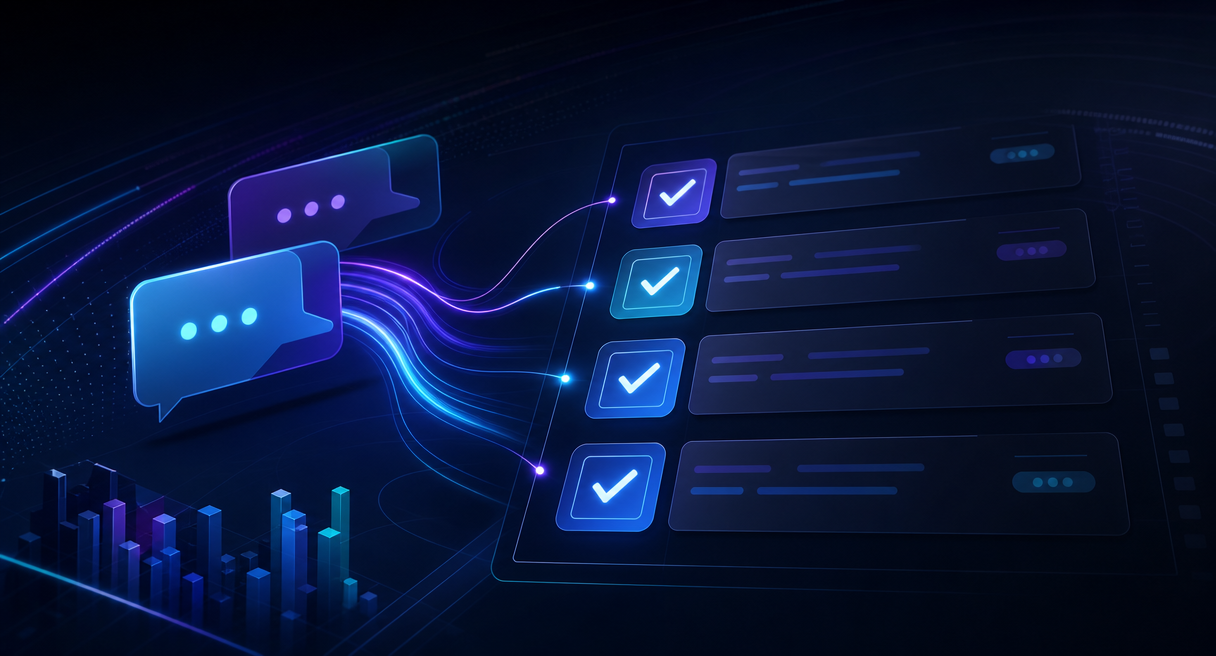
Action items for weekly meetings are good when three conditions hold, the recording is clean, the extraction captures the owner and deadline when they were clearly stated, flags missing details, and a human confirms each item before it becomes a commitment. No verdict fits every chair. Light note-takers with short agendas can stay manual, while recurring weekly meetings gain the most, because a checked action list that rolls week over week is exactly what manual notes fail to become.
What Action-Item Generation Actually Is, One Link in the Chain
Action-item generation is one link in a longer chain, not a meeting product in itself. The official capability list describes an action list that identifies owners, decisions, deadlines, and next steps from a conversation, sitting inside a five-element summary alongside key points, notes, decisions, and follow-ups.
What the generation step does is narrower than the marketing word suggests, and clearer for it. It reads a transcript, finds the sentences that commit someone to something, and writes them as rows, who, what, by when. The published output chain around it fills the rest of the page, a summary in five elements where action items sit beside key points, meeting notes, decisions, and follow-ups, plus a follow-up email carrying recipients, subject, summary, decisions, action items, and deadlines, so the list travels to people who never open the notes. The maker's registered use cases include the weekly meeting as a named scenario, which makes this question a designed-in case rather than a stretch. The honest framing for anyone evaluating action items for weekly meetings is a division of labor, the machine drafts the rows, and the chair confirms them, because an unconfirmed list is a suggestion wearing a checklist's clothes.
Why Weekly Meetings Are the Natural Anchor

Weekly meetings are the natural anchor for AI action items because the cadence is where manual capture breaks. The maker's news release, citing the AI Proficiency Report, reports 67 percent of knowledge workers already using AI weekly, while only 5.5 percent of the workforce meets the bar for AI proficiency, and the most common use, at 61 percent, is looking things up.
Those numbers describe a tool that has already entered the weekly rhythm, and the release carries the design philosophy in one quoted line. The next generation of AI should fit naturally into the way people already work instead of requiring users to learn prompts, workflows, or AI agents. For a weekly meeting, fitting naturally means no new ritual, and the official interaction spec meets that bar, a press-and-hold of the dedicated button starts it listening, one spoken instruction such as Summarize this meeting and list the action items is enough, and the device handles the rest. The cost being avoided has a name in the same official material, the thirty minutes after, the block where notes, decks, follow-up emails, and CRM updates are assembled by hand after every call. The category's own concept states the core line, the real time-consuming part is not communication, but the organization and execution after communication. A weekly cadence multiplies that block by fifty-two, which is the arithmetic that turns a small convenience into a real budget line, and the reason recurring chairs, more than one-off meeting takers, are the audience for whom the question matters.
The Full Weekly Loop, Before, During, After, and Weeks Later
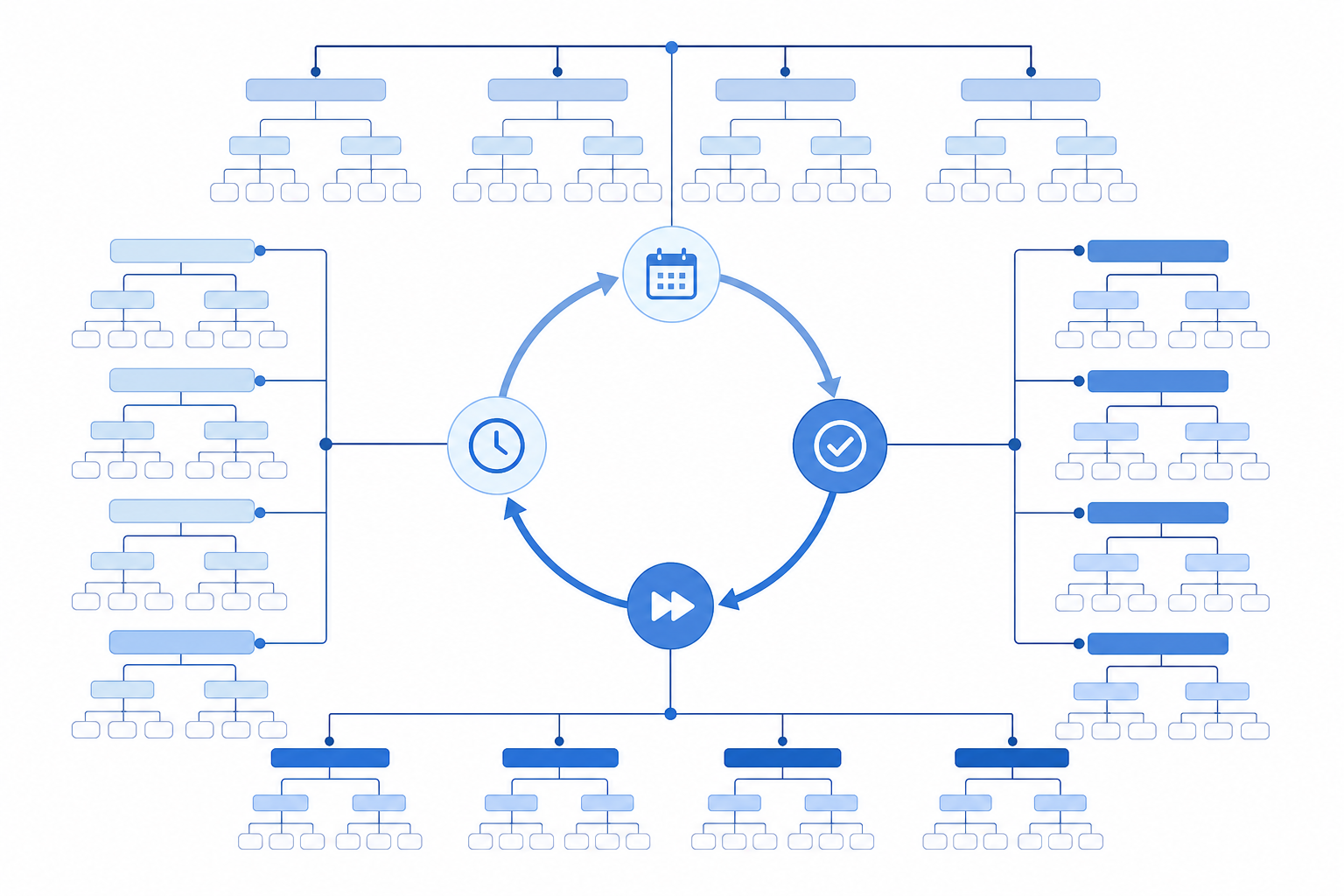
A weekly meeting is a loop, not an event, and the loop has four stations, before, during, after, and weeks later. The official workflow covers all four, a pre-meeting brief, live transcription, five-element outputs with an owner-tagged action list, and a tagged searchable history that carries one week into the next.
Before the meeting, the published pre-meeting brief assembles the context a good chair anyway scrambles for, background, goals, agenda, discussion points, open questions, and a preparation checklist, with a reminder ahead of the session. During it, real-time transcription turns speech into text while the recording runs, and the text highlights in step with playback, so a disputed number can be re-checked against the moment it was said. After it, the five-element summary lands with the action list inside it, each row capturing the stated owner, deadline, and next step where available, while leaving unclear fields for human confirmation, and the follow-up email routes the same rows to the people who were assigned them. Weeks later, the retrieval layer does the quiet work, colored tags, smart classification, and a searchable conversation history, so last month's decision is a search away rather than an archaeology project. Judging the summary layer has published criteria, separating topics from background, confirming facts, recording dissent, pinning decisions, naming tasks and owners, catching deadlines, and surfacing risks and open questions, which doubles as the acceptance test for the whole loop, run one real weekly meeting through all four stations and try to retrieve two commitments from the previous week before trusting the setup.
Limitations: When AI Action Items Go Wrong
The honest limitations are three, and none is hypothetical. No vendor in this category publishes an accuracy percentage for action-item extraction, every AI output carries the official review-first disclaimer, and the published warning names the exact failure mode, discussions written up as commitments.
AI-generated results are intended to assist users and may require user review and adjustment before final use. The warning beside it reads, suggestions incorrectly written as decisions, or discussions presented as commitments, and in a weekly meeting that error has a precise cost, a team executes a row that was only an opinion. The working answer is a three-question pass over every generated row, who owns this, when is it due, and was this actually decided, asked before the list circulates. Competitor plans and features change frequently, so compare current pricing and limits on each provider’s official site before choosing. What no source disputes is the shape of the risk, extraction quality follows input quality, which makes the capture layer the first thing to get right and the accuracy number a thing to test rather than to quote.
Where Comu Action Pro Fits, and the Questions Users Ask First
Comu Action Pro supports a weekly-meeting workflow with one-button recording and spoken instructions for AI processing. The cost consists of the hardware purchase and optional subscription tiers for additional AI capacity.
The capture side is where extraction quality begins, a six-microphone adaptive array, AI noise reduction, and long battery life are designed to support high-quality capture, giving AI better information to work with, and transcription support spans 113 languages per Comu's official specifications, with speaker separation as a published check backing the owner column of every row. The hardware is a one-time purchase, with the current price shown on the official product page. After purchase, the free Starter plan includes unlimited real-time AI transcription and basic summaries, and deep AI capacity, the layer that drafts summaries, action lists, and follow-up emails, opens on the optional Premium and Elite plans, obtained by downloading the Comu app and subscribing in it, where current prices display before checkout. Comu states that AI-generated summaries and other outputs may require review and adjustment before final use.
Are AI action items reliable enough to act on?
Every assistant, human or AI, sometimes writes a discussion down as a commitment, so the honest question is what catches the error, and the published answer is a review step with named criteria, owners, deadlines, and decision status per row, the same check a good chief of staff runs on handwritten minutes before they circulate.
Can it tell who is responsible for each item?
Speaker separation is one of the published transcription checks, and the action list identifies owners, decisions, deadlines, and next steps by name from the conversation, with the confirmation pass above catching any misattribution before it assigns work.
Can the action list be used without a subscription?
The hardware is a one-time purchase, the free Starter plan includes unlimited real-time AI transcription and basic summaries, and the deep AI drafting layer opens at the optional Premium and Elite plans, with the tier table and current terms displayed in the Comu app and on the official product page.
Turn Your Next Weekly Meeting into a Checked Action List
AI drafting can reduce manual follow-up work, but confirmation remains human, and the value grows when the workflow is repeated each week. To evaluate this in practice, open the Comu Action Pro product page, check the current tier table against today's display, then run one real weekly meeting end to end, brief, record, summarize, and retrieve last week's commitments, before the next cycle. That is where action items for weekly meetings stop being a feature question and start being an operating rhythm, and the AI transcription feature hub carries the wider function map.
