
Comu Guide
Meeting Minutes Template for Noisy Environments

Good meeting minutes do not need to reproduce every sentence. They need to preserve what the group decided, who owns each next step, and when the work is due. In a noisy office, café, classroom, conference hall, or workshop, the challenge begins before the template: if voices are missing from the recording, even the best AI summary cannot recover them reliably.
This guide gives you a practical meeting minutes template, a recording setup for difficult rooms, and a review process that turns a transcript into concise, usable minutes.
Quick Answer
For noisy meetings, place the recorder near the center of the group, capture decisions and deadlines explicitly, and review names, numbers, owners, and dates against the audio. Use the template below to publish the result—not to replace the recording process.
| Stage | Main goal | What to check |
|---|---|---|
| Before | Improve the source audio | Placement, battery, storage, consent, short test recording |
| During | Make important information explicit | Decisions, owners, deadlines, unresolved questions |
| After | Turn the transcript into minutes | Names, figures, dates, speaker attribution, final approval |
Copyable Meeting Minutes Template
Use this structure in a document, shared workspace, or project-management system. Keep the final version short enough that participants will actually read it.
| Field | What to enter |
|---|---|
| Meeting | Project or meeting name |
| Date and time | Include the time zone for distributed teams |
| Location | Room, event, client site, or online platform |
| Chair | Person leading the meeting |
| Minute taker | Person responsible for the final record |
| Attendees | Full names and roles |
| Absent / invited | Optional, when attendance matters |
| Objective | One sentence describing the intended outcome |
Agenda and Discussion
| Agenda item | Key points | Decision | Owner | Due date | Status |
|---|---|---|---|---|---|
| 1. | Open | ||||
| 2. | Open | ||||
| 3. | Open |
Action Items
| Action | Owner | Due date | Dependency | Confirmation |
|---|---|---|---|---|
| Confirmed / Pending | ||||
| Confirmed / Pending |
Closing Notes
- Unresolved questions: items that need more information or another decision.
- Parking lot: useful topics postponed to a later meeting.
- Next meeting: date, time, and expected objective.
- Approval: name of the person who reviewed the final minutes.
Why Noisy Rooms Produce Weak Minutes
Background noise affects the recording before transcription begins. Air conditioning, traffic, coffee machines, side conversations, table vibration, and people speaking over one another can hide words or make speakers difficult to distinguish.
Three problems appear most often:
- Uneven distance: the nearest speaker dominates while people across the table sound faint.
- Overlapping speech: two voices occupy the same moment, making both transcription and speaker attribution harder.
- Unstable recording conditions: notifications, calls, a moving phone, low battery, or an obstructed microphone interrupt the source audio.
Noise reduction can improve clarity, but it cannot guarantee a perfect transcript. The best results come from combining better microphone placement with a disciplined review.
How to Record a Noisy Meeting

Before the meeting
- Choose the quietest available position. Move away from speakers, open doors, coffee machines, projectors, and ventilation outlets when possible.
- Place the recorder centrally. A central position reduces the distance difference between participants. Do not leave it beside only the chair or minute taker.
- Keep microphones uncovered. Avoid soft cases, loose paper, sleeves, and objects that can block or scrape against the device.
- Check power and storage. Confirm the device can cover the full meeting rather than only the scheduled duration.
- Record a short test. Ask someone on the far side of the table to speak, then play the sample back.
- Confirm permission. Tell participants that the meeting will be recorded and follow the consent and privacy requirements that apply in your location and organization.
During the meeting
- Ask participants to state their name at the beginning when speaker identification matters.
- Encourage one person to speak at a time during decisions.
- Repeat important figures, spelling, and dates when the room is especially loud.
- Confirm every action item aloud: “Alex owns the revised proposal, due Friday.”
- Mark disputed or unclear moments for later playback instead of interrupting the entire meeting.
After the meeting
Create the first draft from the transcript, but verify the details that can change the meaning of the record.
| Review priority | What to verify against the audio |
|---|---|
| Names and terminology | People, companies, products, acronyms, and specialist vocabulary |
| Numbers | Prices, quantities, percentages, measurements, and account figures |
| Dates and times | Deadlines, appointments, milestones, and time zones |
| Decisions | What was approved, rejected, postponed, or left unresolved |
| Ownership | The person who accepted each action—not merely the person who discussed it |
| Speaker labels | Especially where voices overlap or sound similar |
Using Comu Action Pro in Difficult Rooms
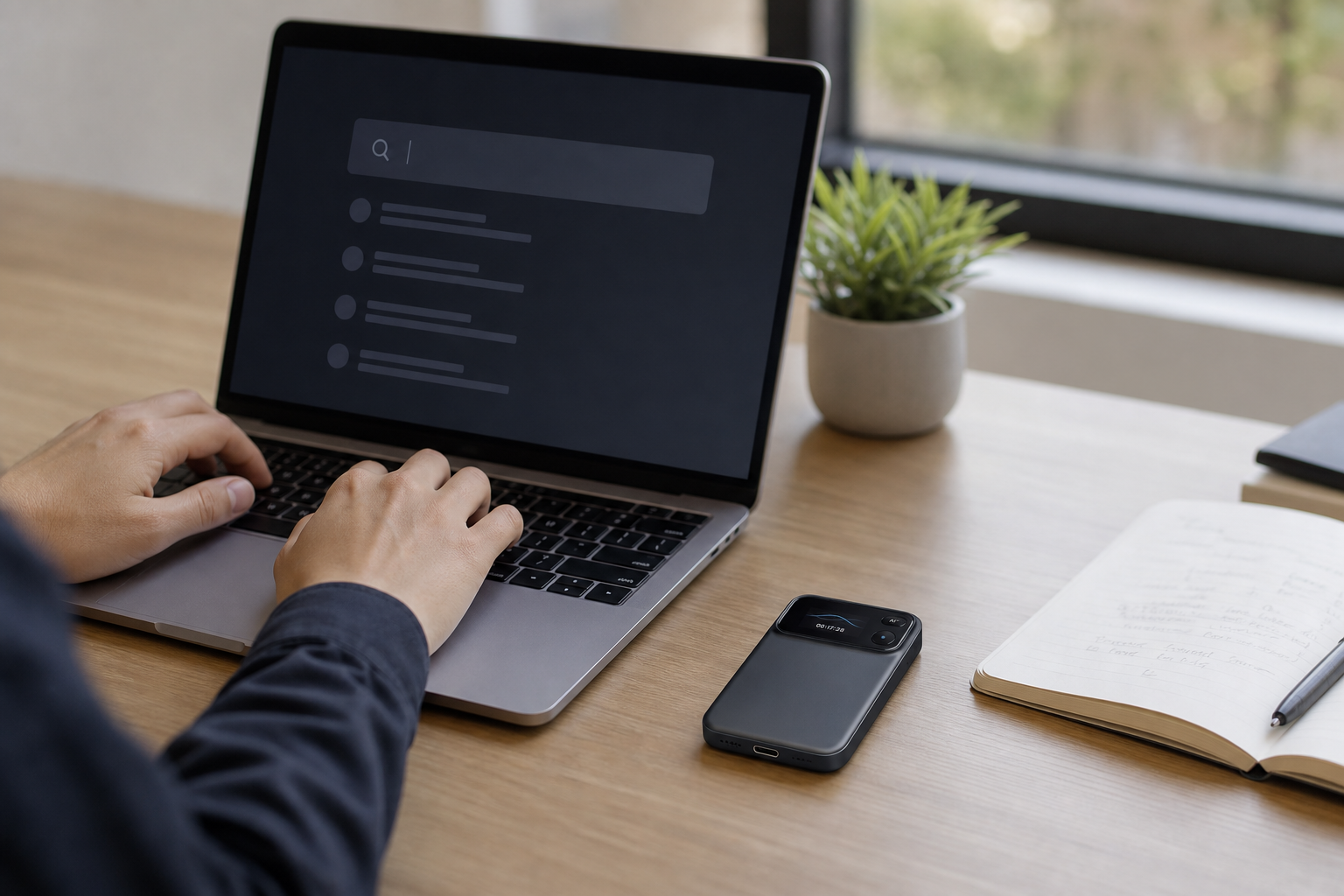
Comu Action Pro is designed for conversations that happen away from a video-call platform. It combines a six-microphone adaptive array with AI voice enhancement and noise reduction, and Comu lists a pickup range of up to 7 meters. The device records for up to 70 hours on one charge, which is useful for conferences, lectures, field visits, and days with several back-to-back meetings.
The free Starter plan included with the device provides unlimited real-time transcription and basic summaries. Transcription and translation support 113 languages. Optional Premium and Elite plans add deeper analysis and more capacity for workflows such as emails, documents, presentations, and action plans.
These specifications make Action Pro a strong fit for noisy, multi-speaker meetings, but placement and review still matter. Put it near the center of the conversation and treat AI-generated transcripts and summaries as drafts until the critical details have been checked.
Phone, Laptop, or Dedicated Recorder?
| Option | Best suited to | Main limitation in noisy rooms |
|---|---|---|
| Phone | Occasional one-to-one conversations and quick voice notes | Usually stays close to one person and may be interrupted by calls or notifications |
| Laptop | Online or hybrid meetings where the computer is already central | Fan noise, keyboard sounds, room placement, and dependence on meeting software |
| Comu Action Pro | In-person, multi-speaker, long, or mobile recording days | Requires carrying and purchasing a separate device |
If your current phone or laptop captures every participant clearly, there is no reason to add hardware simply for the sake of it. A dedicated recorder becomes useful when missed voices, long sessions, noisy venues, or inconsistent device placement repeatedly create extra review work.
Frequently Asked Questions
Should meeting minutes include a full transcript?
No. Minutes should summarize decisions, action items, owners, deadlines, and essential context. Keep the transcript as a reference when the complete conversation needs to be checked.
Can AI remove all background noise?
No. Noise reduction can improve speech clarity, but severe overlap, very distant speakers, or a blocked microphone can still produce errors.
Where should the recorder sit?
Place it near the center of the group on a stable surface. Keep it away from laptops, cups, loose paper, and objects that may block the microphones or create handling noise.
How should overlapping speech be handled?
Replay the relevant section and confirm the decision with participants if attribution remains unclear. Never assign an action based only on an uncertain speaker label.
How long can Comu Action Pro record?
Comu lists up to 70 hours of recording per charge. Actual endurance can vary with settings and use, so charge the device before important sessions.
Turn Clearer Conversations into Useful Minutes
The most reliable workflow is simple: capture the room clearly, make decisions explicit, review the transcript, and publish only the information people need to act. The template structures the result; the recording protects the details behind it.
Explore Comu Action Pro for noisy meetings, lectures, interviews, and other conversations that need dedicated room capture.
