
How to Transcribe Long Meetings: Recording, Uploading, and Summarizing
Transcribing a long meeting is a three-step process: capture the full session reliably, get it into a transcription workflow, and turn the transcript into decisions and follow-ups. Existing online-meeting recordings can enter through uploaded audio or video files, while frequent in-person long meetings reward capture at the device, then structuring after. No single route wins both scenes, and this guide covers each step in turn.
The Upload Route: Transcribing Existing Audio and Video Files
An uploaded file is usually the residue of an online meeting recording or a camera. Official category material confirms four input types for the AI chain, device recordings, photos, uploaded files, and text input, and the uploaded-file channel is where existing audio or video enters. MP4 video files are supported for upload, with a maximum file size of 500MB per file.
The size limit matters for long meetings, because a multi-hour video recording at meeting quality can approach it, so check the file size before uploading and trim or compress the recording if needed. Before processing a long meeting recording, check the upload interface in the Comu App or Comu Web for the currently supported formats, codecs, file-size limits, and duration limits, and any third-party page that declares format support without a source deserves the same skepticism. Positioning cuts the same direction. The maker describes the dedicated class as optimized for spoken communication rather than general multimedia use, which makes uploaded video files a convenience for archives, with live capture as the primary road.
What Long Meetings Actually Demand from a Recording Setup

A long session tests the recording setup on three axes, power, pickup, and interruption resistance, and rated numbers only start the conversation. The dedicated class claims about seventy hours of continuous recording, while the honest test remains a real conference day, because the review guide itself separates rated figures from measured ones.
Long meetings place greater demands on battery life, storage, microphone placement, and recording stability. Comu Action Pro is rated for up to 70 hours of continuous recording and uses a six-microphone adaptive array with AI noise reduction. These specifications make it suitable for consideration in extended in-person meetings, but actual battery life and audio quality depend on room conditions, device settings, speaker distance, and usage. Test the device in a representative meeting before relying on it for critical sessions.
Why the Expensive Part of a Long Meeting Is After It Ends
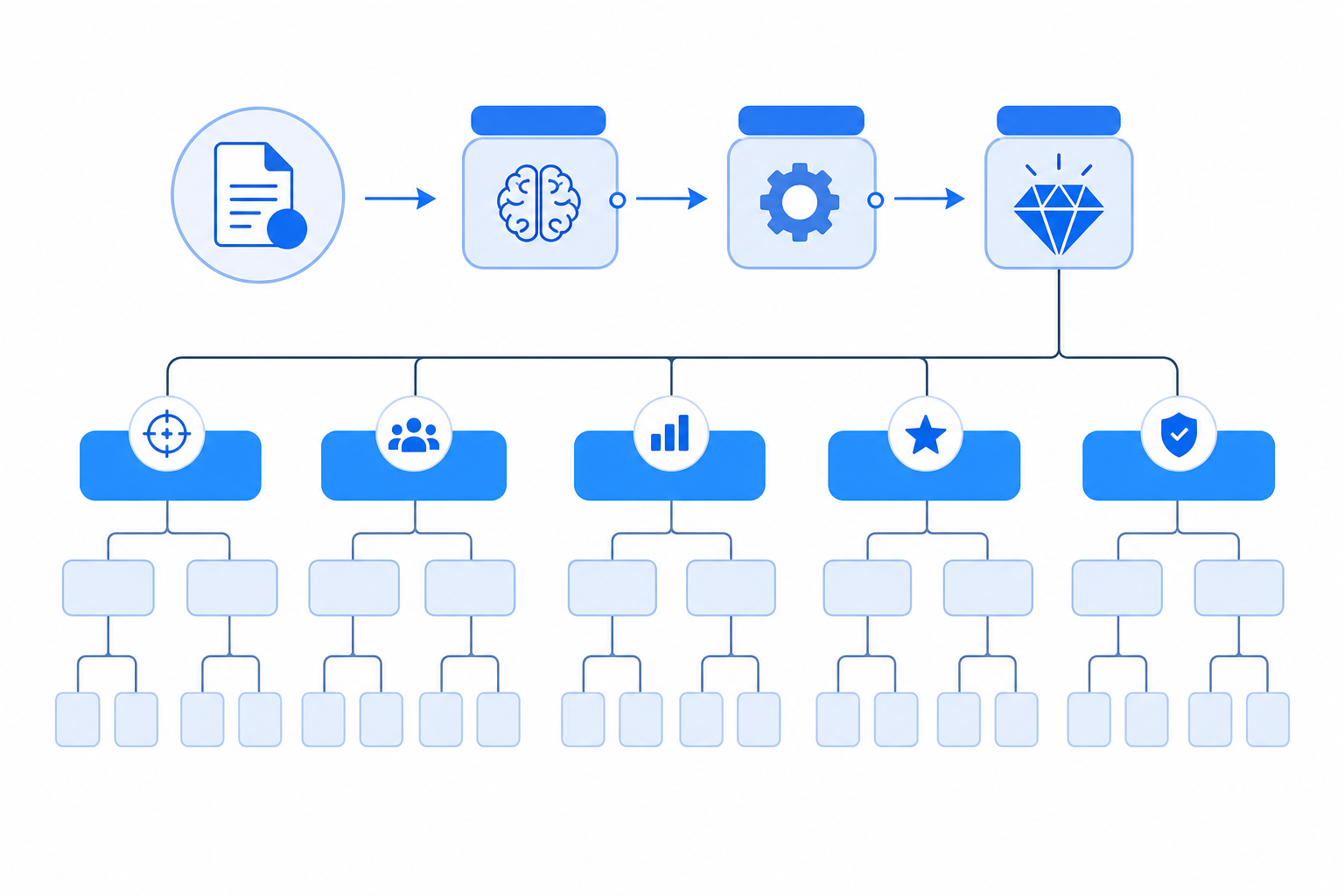
The expensive half of a long meeting starts when the recording stops, and the official framing names it directly. The thirty minutes after each session cover the notes, decks, follow-up emails, and CRM updates that pile onto the calendar, and a transcript alone leaves that half untouched, which is where the real cost hides.
For long meetings, transcription is only the first step. The more time-consuming work often comes afterward: identifying key points, confirming decisions, assigning action items, drafting follow-up emails, and preparing documents or presentations.
Comu Action Pro can organize a conversation into key points, notes, action items, decisions, and follow-ups. Because AI may mistake a suggestion for a decision or miss an owner or deadline, users should verify every important action item against the original recording before sharing it.
Limitations to Check Before Transcribing a Long Meeting
Before relying on Comu for a long recording, confirm the supported file formats, codecs, file-size limits, single-file duration, and transcription limits. Comu does not publish a universal transcription-accuracy percentage, and performance varies with audio quality, accents, terminology, background noise, and overlapping speech. Review names, numbers, decisions, owners, and deadlines against the original recording.
Where Comu Action Pro Fits: Scene Split, Cost, and FAQ
From this section the review names Comu Action Pro, and the fit follows the two scenes defined at the top. An archive of existing recordings enters through the upload channel, with MP4 files supported up to 500MB, while frequent in-room long meetings take the hardware route, seventy rated hours, the six-microphone array, and the five-element summary after.
Comu Action Pro is primarily designed for face-to-face conversations. It combines a six-microphone adaptive array, AI noise reduction, up to 70 hours of continuous recording, transcription in 113 languages, and AI-generated summaries and follow-up materials. The free Starter plan includes unlimited real-time AI transcription and basic summaries. Premium and Elite add higher Agent Credit allowances and advanced workflows. Product specifications, plan benefits, and prices should be checked on the current product page before purchase. AI-generated transcripts and summaries should be reviewed before they are used for decisions or shared with others.
How long can a single recording run?
Up to about seventy hours of continuous recording per the official rated specification, sized for extended meetings, interviews, business trips, and conferences, which outlasts any single session a long meeting is likely to produce, with the real-day battery test noted above as the honest complement.
How long an audio or video file can it process?
Uploaded audio or video files enter through the uploaded-file channel. MP4 files are supported with a maximum file size of 500MB per file, so a longer or heavier recording may need trimming or compression before upload, and the upload interface in the Comu App or Comu Web is the authority for other formats and current limits.
Can it tell who is speaking in a long meeting?
Comu lists speaker recognition as a transcription capability. Its six-microphone array is designed to improve audio capture, while speaker labeling is handled by the AI transcription system. Because no speaker-recognition accuracy percentage is published, users should verify speaker labels in meetings with multiple or overlapping voices.
Bring Your Next Long Meeting to a Searchable Five-Element Summary
The compressed verdict reads, archives ride the upload route with the 500MB MP4 limit checked first, live long meetings ride the device. The next step is concrete, open the Comu Action Pro product page, confirm the long-session specifications and the current plan table against today's display, then run one genuinely long meeting through the chain and score the five elements yourself. That is how long-meeting transcription earns its place, as one workflow from capture to follow-up, and the AI transcription feature hub carries the wider function map.
